
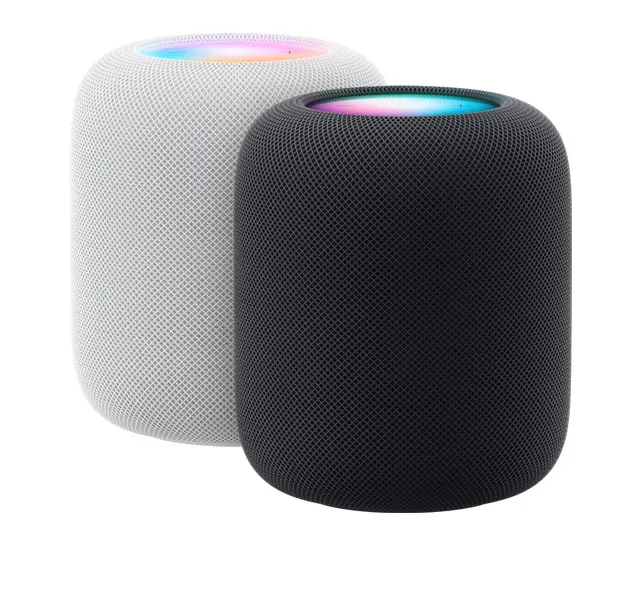
To get started, ensure you have the latest version of the YouTube Music app, then go to Settings > Connected Apps > Connect with HomePod. Once setup is complete, you can say “Hey Siri, play music on YouTube Music.”
If you set YouTube Music as the default music provider, you no longer have to say “…on YouTube Music” every time. To do this, go to the Home app: Settings > Tap username > Tap Default Service and choose YouTube Music.





