
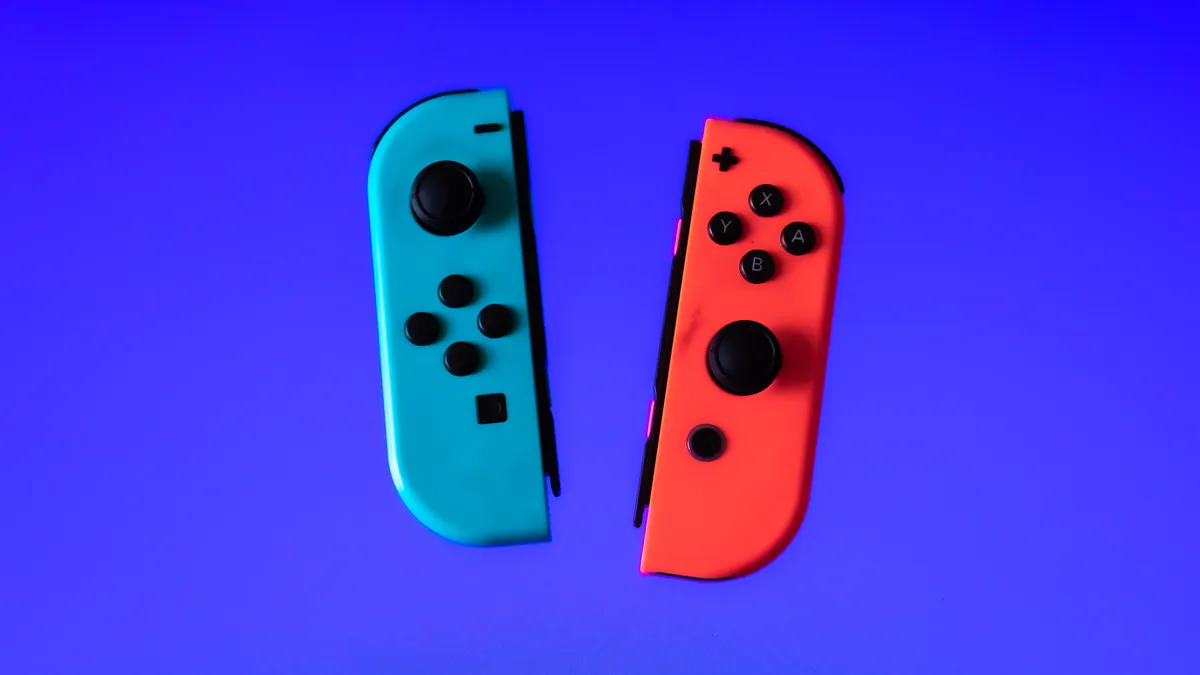
Unfortunately, your phone or tablet has a much smaller screen than your TV, which means less real estate for visuals and controls, and so a gaming controller might be necessary. You could buy any number of third-party controllers, but if you own a Nintendo Switch, you've don't need to spend any money.
Thanks to iOS 16, you can pair your Joy-Con controllers to your iPhone (and iPad when iPadOS 16 releases later this year) for gaming. And it only takes a few seconds to do.
Read more: Best Controllers and Accessories for Xbox Cloud Gaming
If you want to check out more, here are five hidden iOS 16 features in the new operating system for the iPhone. Once you download iOS 16, here are the first three things you should do.
How to pair your Joy-Cons to your iPhone or iPad
To start, you'll want to make sure that your Joy-Cons are charged and ready for use. If not, simply attach them to the Nintendo Switch while it's charging in the dock. Once your Joy-Cons are charged and ready to go, slide them off of your console and do the following:
1. First, press and hold down the black pairing button on top of the Joy-Con until the green light starts running back and forth. This means the Joy-Con is now in pairing mode.
2. Next, on your iPhone or iPad, go to Settings > Bluetooth.
3. Now, scroll down and find your Joy-Con under Other Devices. You should see either Joy-Con (L) or Joy-Con (R), depending on which Joy-Con you're currently pairing.
4. Finally, tap the Joy-Con option to pair it. Repeat this process for the other Joy-Con, if needed.
Once your Joy-Cons are paired, you can go into any game that supports third-party controllers, like Minecraft, Among Us and Call of Duty, and play with your newly paired Joy-Cons. Not all mobile games will support both Joy-Con controllers at once, so you might only need to pair one.





