
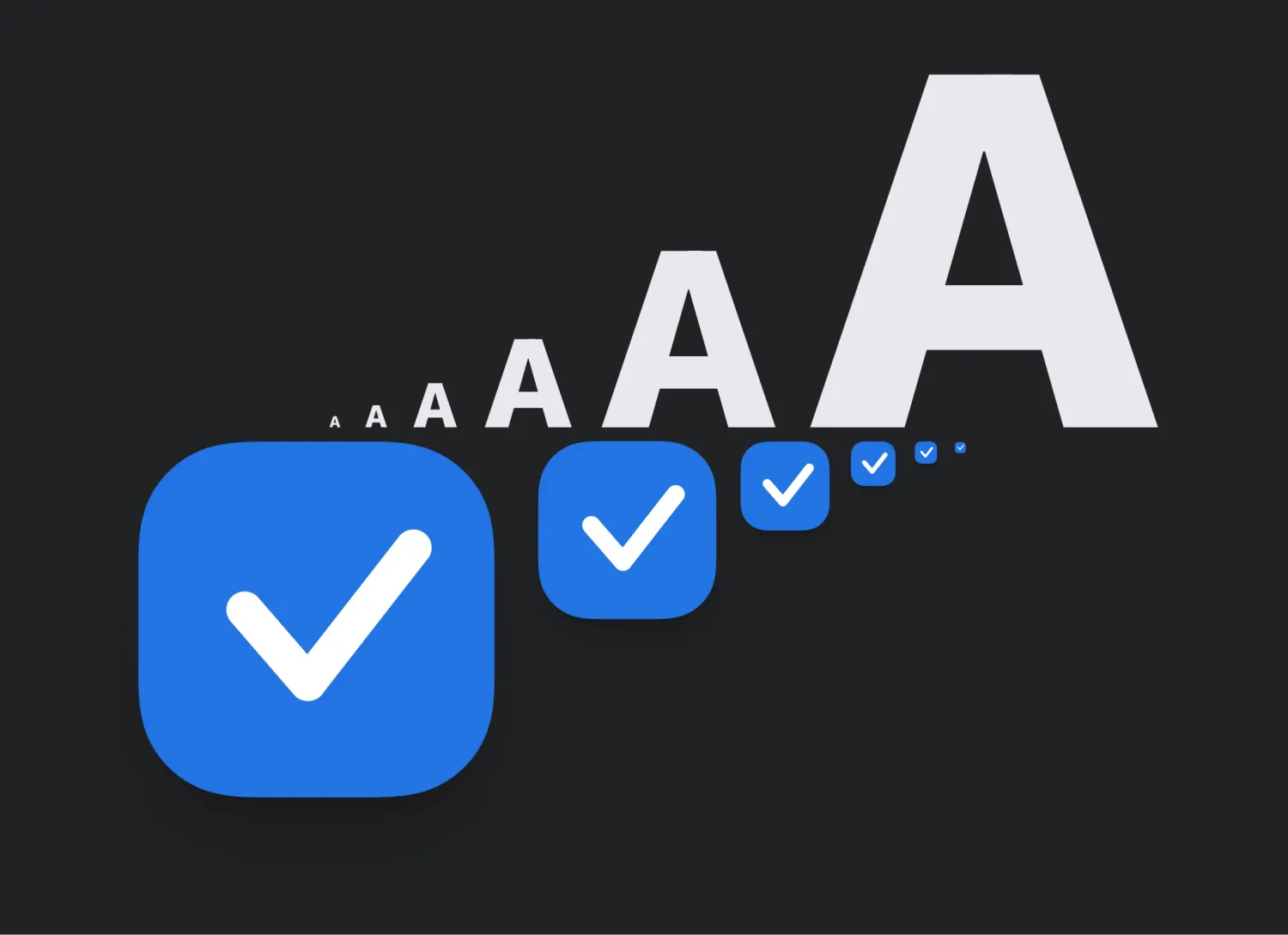
The new version of Things does this in part by replacing the app’s iconography with vector graphics that respond fluidly to changing display sizes. A common challenge, especially with large text sizes, is running into text truncation or having icons remain static in size. Cultured Code says it has fine-tuned the layout in Things “so that everything scales together beautifully.”
Things 3.18 will automatically respond to your system text size on iPhone and iPad using Apple’s Dynamic Type feature. This can be adjusted in Settings → Display & Brightness → Text Size, or with the optional Dynamic Type adjustor in Control Center. You can also size the text up or down in Things independently from system text size from Things Settings → Appearance.
Dynamic Type hasn’t come to the Mac yet, but Cultured Code has made Things for macOS just as adjustable. Things 3.18 includes 14 different text display sizes in Things → Settings → General. Learn more about Things from the Cultured Code blog.





