
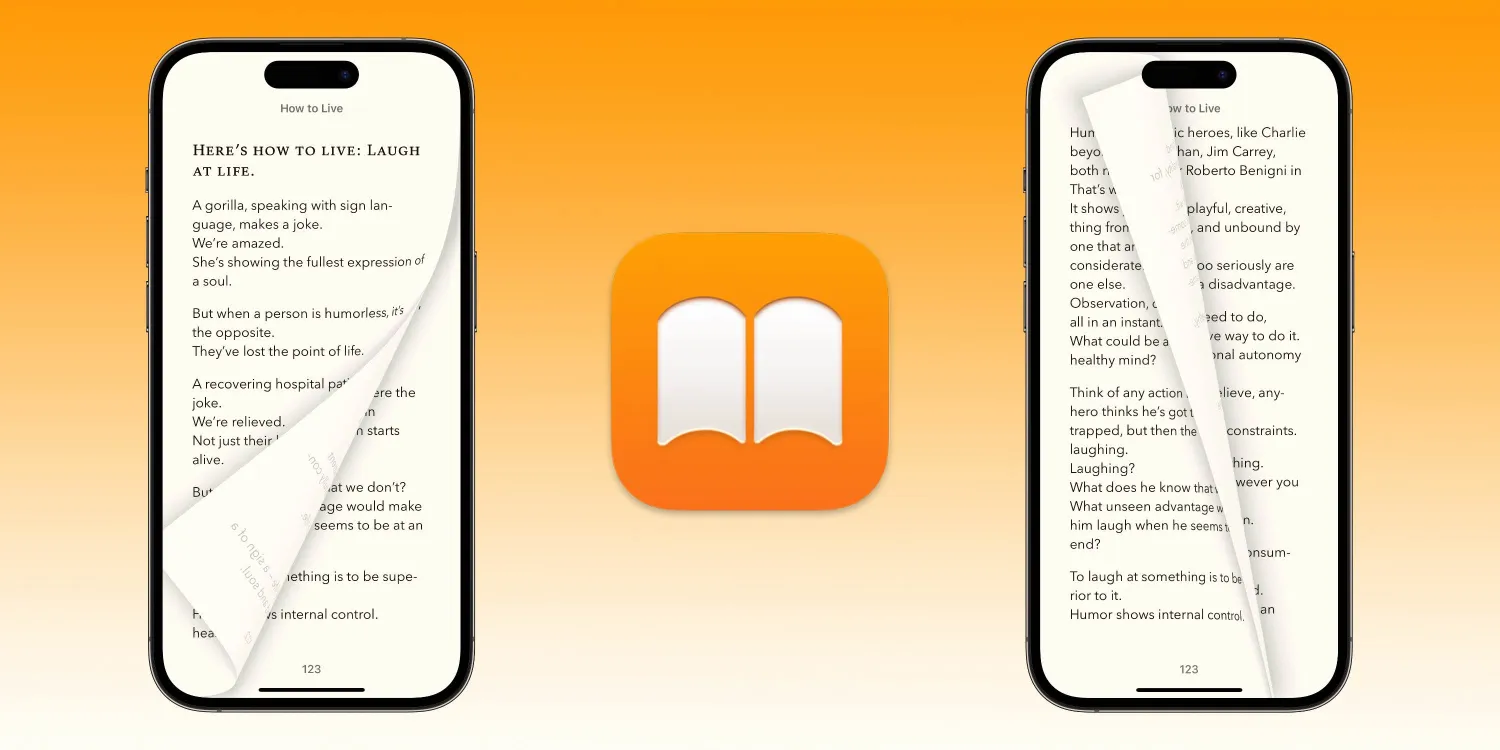
The first iOS 16.4 beta arrived with features like new emoji, the ability to automate the always-on display, a Lock Screen Shortcut, and more.
Now the second beta has landed with fewer changes, but one of the interesting ones is for those who use Apple’s Books app. Now there are three options for the page turn effect – thanks to the skeuomorphic “Curl” being added back.
Fans of the Curl page effect enjoy the lifelike and whimsical response it brings to reading on iPhone or iPad.
Get Curl page turn effect in Apple Books
You’ll need to be running the iOS 16.4 beta to get this feature or wait for the iOS 16.4 public release. Check out our guide for how to install the free beta.
- Open Apple’s Books app on your iPhone
- With iOS 16.4 b2 and later, “Curl” is set as the default, mimicking the effect of turning a physical page
- To change the page turn effect, tap your screen > choose the menu button in the bottom right corner (2 lines over 3 dots)
- Now pick Themes & Settings > tap the page with the bent corner icon
- Choose “Slide” or “None” or stick with the new/old “Curl” default





