
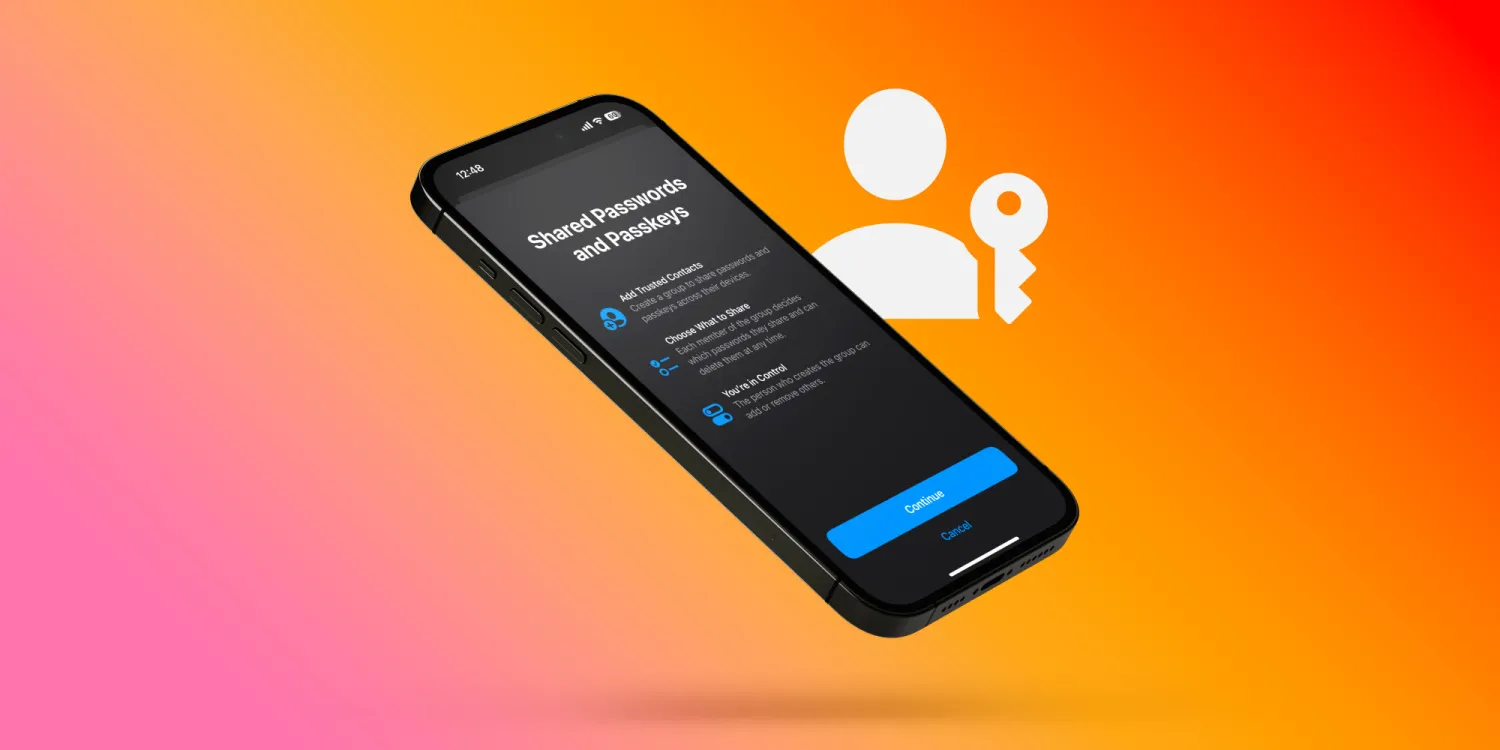
Apple has been steadily expanding its Family Sharing features. Last year we saw iCloud Shared Photo Library arrive to make it easy to manage family photos and videos.
Now with iOS 17 (iPadOS 17, macOS Sonoma too), iCloud Keychain is leveling up with shared passwords (and passkeys) that Apple calls “Family Passwords” – but you can share them with anyone.
Here’s how Apple describes the new feature:
“For easier and more secure password and passkeys sharing, users can share passwords with a group of trusted contacts. Everyone in the group can add and edit passwords to keep them up to date. Since sharing is through iCloud Keychain, it’s end-to-end encrypted.”
Share passwords on iPhone in iOS 17
- On iPhone running iOS 17, open the Settings app
- Swipe down and tap Passwords
- Near the top under Family Passwords, choose Get Started
- Add people to your shared password group (their iPhone needs to be on iOS 17)
- Now choose the passwords (or passkeys) you’d like to share
- Tap Move in the top right corner
- Now you can send a message to the person/people that you’re sharing passwords
- You’re all set up and others who join can share passwords if they’d like too
- Another great part is you can set up multiple shared password groups (as many as you’d like)
Shared passwords across Apple devices make iCloud Keychain more convenient than ever and more competitive with paid password managers. Are you excited about the new capability? Share your thoughts in the comments!





