
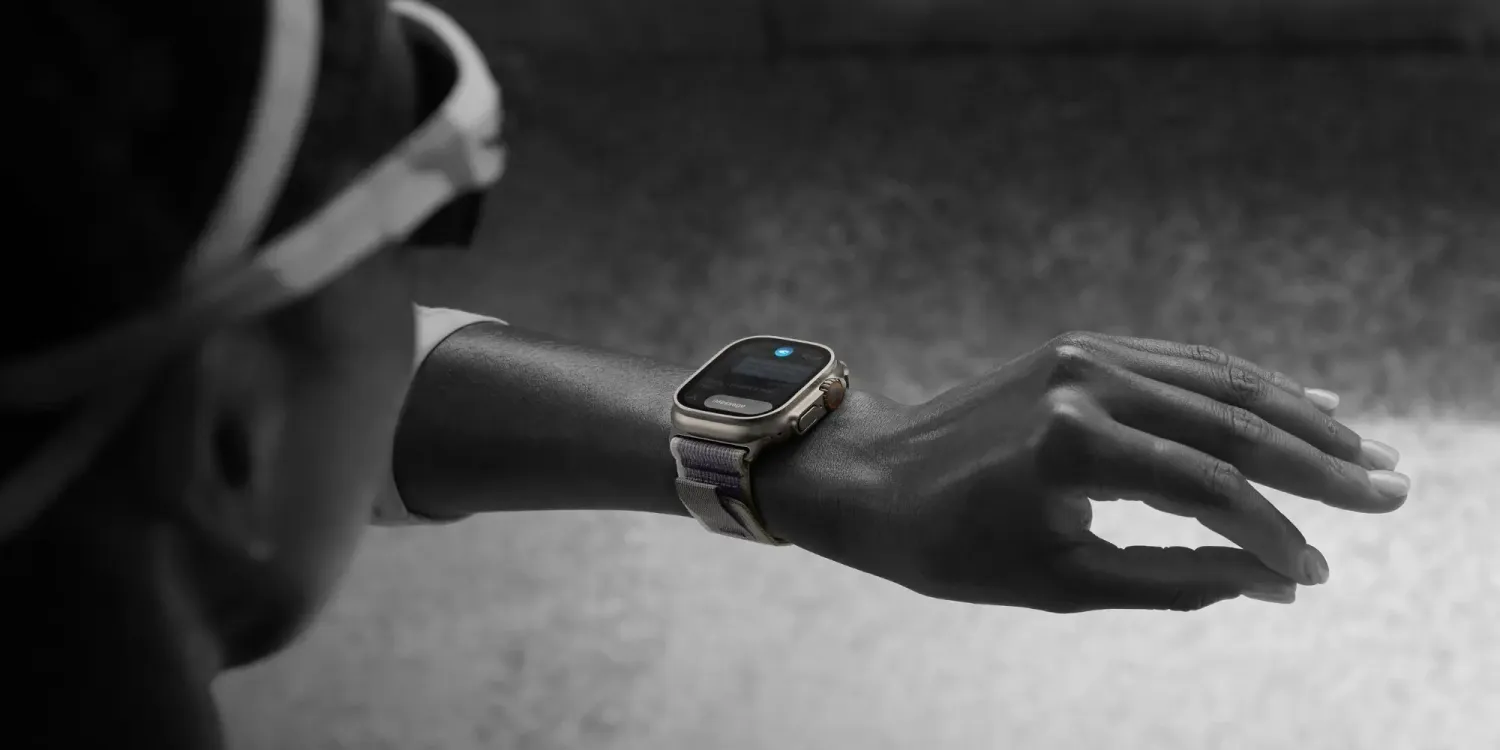
First and foremost, Apple says that double tap is not supported in the following apps and experiences on Apple Watch:
ECG, Heart Rate, Blood Oxygen, Sleep Focus, Walkie-Talkie, Maps (during navigation), Mindfulness (during an active session), SOS features (Emergency SOS, Fall Detection, Crash Detection), when using the Depth app, and Workout (during an active session)
The limitations make sense, as these apps are situations where you wouldn’t to risk the possibility of accidental input.
In a separate support document published today, Apple has also published a slew of details on what to do if double tap “isn’t working on your Apple Watch.” For instance, Apple says to make sure you raise your wrist and wake the screen before attempting to activate double tap.
Other tips from Apple include:
Make sure that your watch isn’t paired as a Family Setup watch.
Make sure that your watch is unlocked and fits snugly on your wrist.
On your watch face, check whether Low Power Mode, Sleep Focus, Theater Mode, or Water Lock are on. Double tap is available only when you turn these features off in Control Center.
Make sure that Wake on Wrist Raise is on. To check, open the Settings app on your watch, then tap Display & Brightness.
Make sure that Wrist Detection is on. To check, open the Settings app on your watch, then tap Passcode.
Apple also says that the Apple Watch might not detect double tap when you’re moving up or down stairs, running, or cycling, or if you have a tattoo on your wrist.
Learn more about Apple Watch’s new double tap feature at the links below. Have you taken the feature for a spin yet? Let us know down in the comments.





