
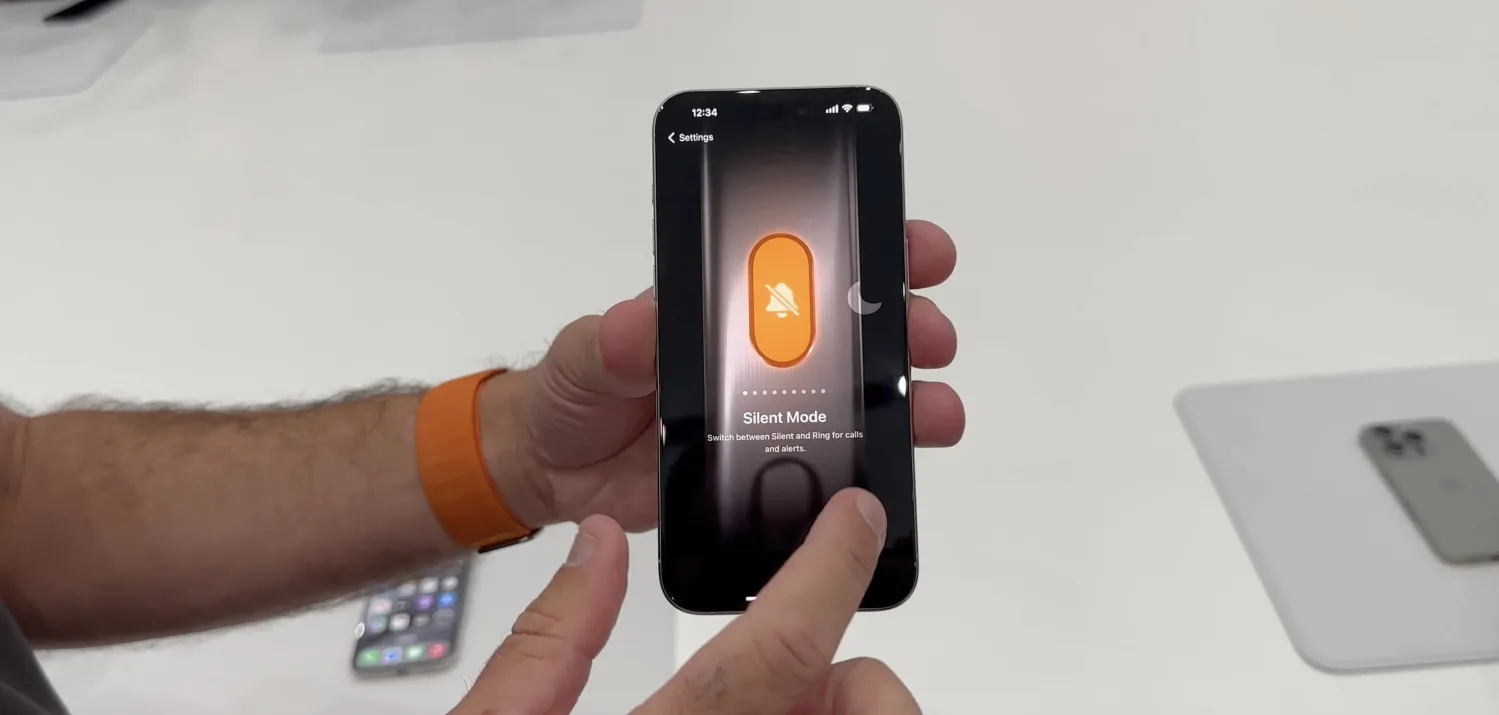
To recap, Apple is replacing the mute switch that iPhones have had since the original in 2007 with a third button above volume up. By default, the Action button will continue to work to mute/unmute sounds, but a long press with haptic feedback replaces the switch flip.
iPhone 15 Pro and iPhone 15 Pro Max also include a mute/unmute toggle in Control Center by swiping down on the top right of the display. Many of the Action button assignments can also be a tile in Control Center.
When customizing the Action button in iOS 17, you’ll be presented with nine options. Which one will you choose? Let us know in the comments, and explain if it’s a Shortcut! (Also, seriously explain if you actually plan to use the “No Action” option.)





