
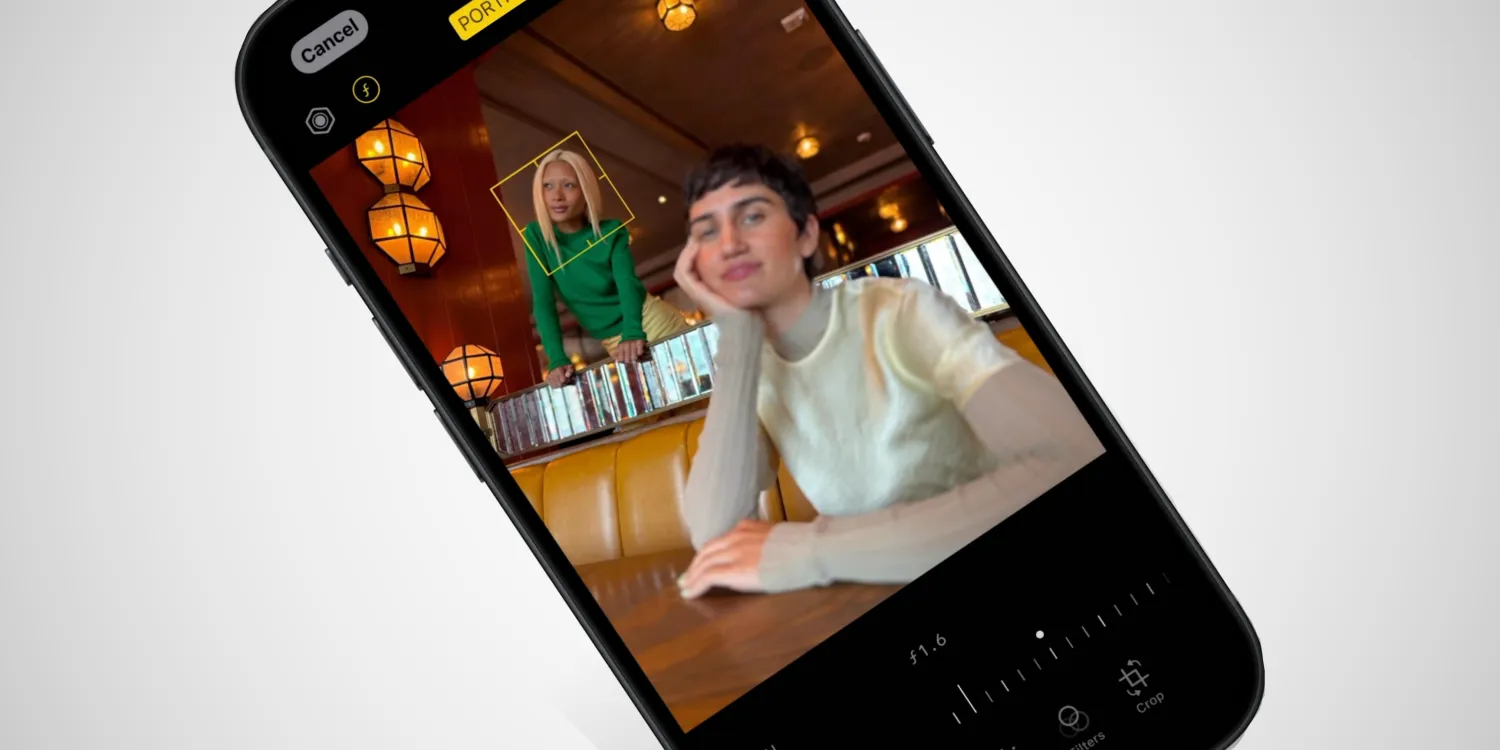
Until this week, if you took a Portrait mode shot, the desired subject was “baked in” at the time of taking the photo, so the same foreground region would always be in focus, and the same background region would be blurred. Users could adjust the intensity of the blur, though, or remove it altogether.
But now, when you edit a Portrait photo, you can tap on a part of the image to change the focus altogether. If two people are in the photo, for example, you can switch which person is blurred out by tapping on their faces.
This is one of the big marketing features of the iPhone 15 and iPhone 15 Pro camera system, but it’s actually enabled wholly through software, and Apple has also made it available on iPhone 14 Pro devices. You can even change the focus on old Portrait mode shots in your library, not just newly taken images.
It makes some sense that the feature is also available on the 14 Pro, as the iPhone 15 and iPhone 15 Plus are powered by the same A16 Bionic chip as the 14 Pro. Last night, we reported that the HEIF Max setting is also present on the iPhone 14 Pro and iPhone 14 Pro Max.
But owners of iPhone 14, iPhone 14 Plus, and the iPhone 13 series will also be pleased to hear that Depth and Focus Control is also available on those phones too, according to Apple’s iPhone Compare page.
However, other parts of the new iPhone 15 camera stack are not available on older models. For instance, the 14 Pro does not seem to automatically take Portrait mode shots while using the main camera. Neither does it get the ability to take 24-megapixel photos that balance detail and light capture.
iOS 17 will be available to download for free for iPhone and iPad users this coming Monday, September 18. iPhone 15 goes up for pre-order on Friday and deliveries start from September 22. All iPhone 15 models will come with iOS 17 preinstalled.





