
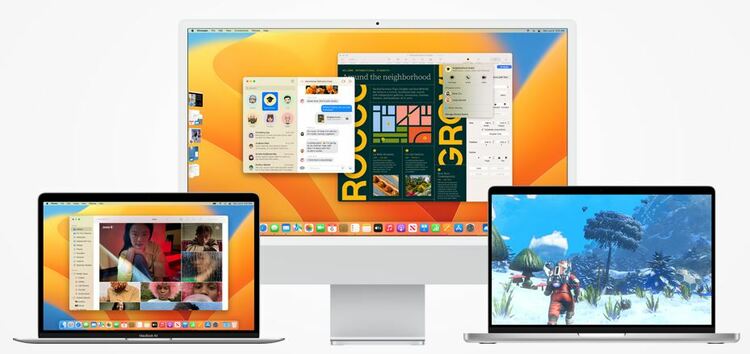
macOS 13 Ventura update causing apps to crash
Many macOS 13 Ventura users are reporting an issue where Apple Mail and Safari keep crashing after the recent update.
According to reports, users are unable to access certain websites which are then followed by a ‘Safari quit unexpectedly’ error message.
The pages either aren’t loading or opening with missing information.
While on Apple Mail, it is refusing to open certain attachments for some. And it seems that both first-party and third-party applications have been affected.
Other affected apps
Apart from Safari and Apple Mail, various apps are also crashing or stopped working ever since the Ventura update. It could potentially be due to compatibility issues.
Some of these are Chrome, Apollo, Photoshop, Adobe, Chrome, Firefox, and so on.
The issue is quite frustrating as many feel the update is basically useless since it’s not running any app without crashing.
So far, Apple hasn’t commented on the issue where several apps are crashing after the Ventura update. There’s also no workaround that can help fix the issue temporarily.
But as usual, we’ll keep tabs on the issue and update this article as and when something noteworthy comes up.





