
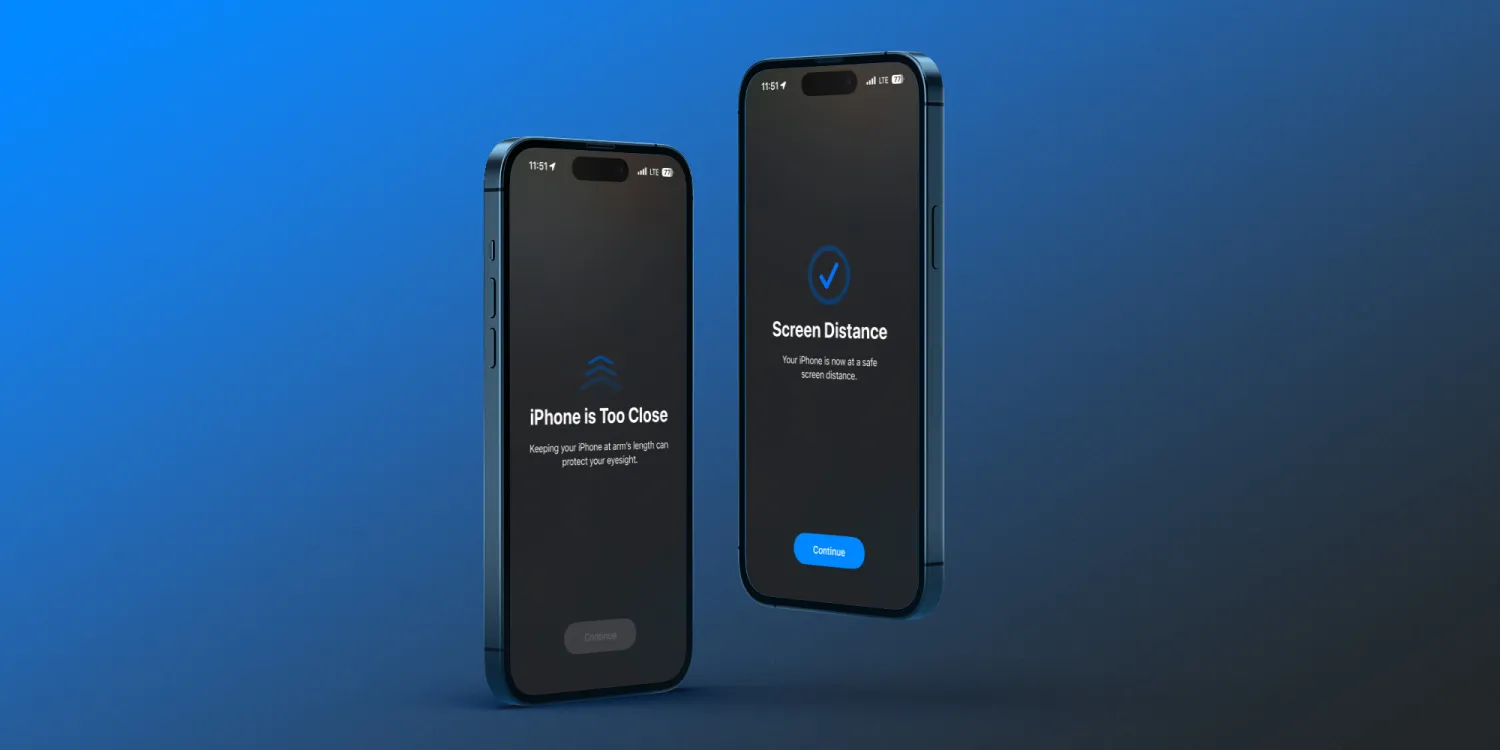
Apple highlights that it’s best to keep devices at least 12 inches away from your eyes. But of course, it’s easy to be in the habit of using them closer than that.
So with iOS 17 and iPadOS 17, there’s a handy new feature called Screen Distance that makes it easy to build the habit of using your iPhone and iPad at a healthy distance. For kids that reduces the risk of myopia and for everyone helps reduce or prevent eye strain.
Here’s how Apple describes how it works:
“Screen Distance works by measuring the distance between the screen and your eyes. The camera is not capturing images or video, and the data collected remains on the device and is not shared with Apple.”
How to use iPhone Screen Distance in iOS 17
- On your iPhone or iPad with Face ID running iOS 17, open the Settings app
- Choose Screen Time now look below and tap Screen Distance
- Now tap Continue, then Turn On Screen Distance





