
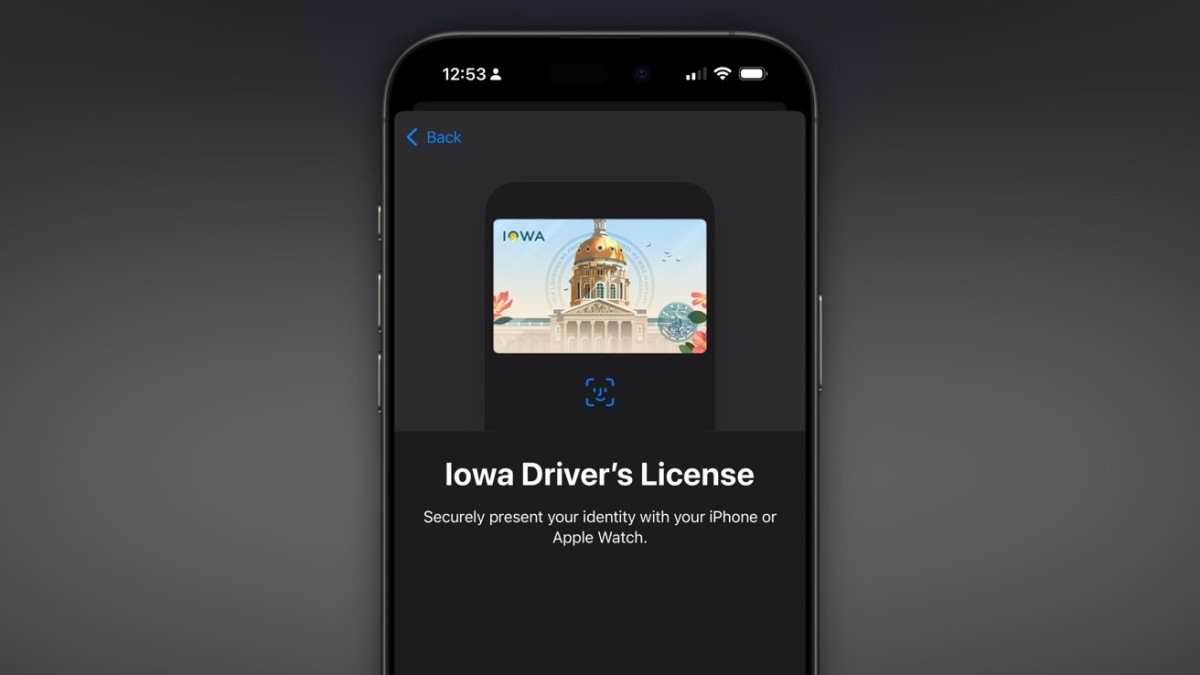
The Iowa Department of Transportation (DOT) has announced that residents can now add their driver’s licenses and state IDs directly to Apple Wallet, enabling digital verification at TSA checkpoints, participating venues, and select businesses throughout the state. This move aligns Iowa with Apple’s rapidly growing digital ID program, following states like Arizona, Maryland, and California, who’ve also embraced digital ID convenience for their residents.
Iowa DOT has highlighted the seamless integration of Apple Wallet with mobile ID verification tools such as Tap2iD Mobile, VeriScan, and Mobile ID Verify, providing local businesses a secure and straightforward way to verify digital IDs. “This is a new level of convenience and security for our residents,” the DOT shared in a statement, underscoring that the process is both easy to set up and reliable.
While California was the most recent addition to the Apple ID program, joining in September, Arizona pioneered the initiative in May 2022, with Maryland following shortly after. Other states, including Georgia and Ohio, joined in 2023 and 2024, respectively, as more state Departments of Transportation recognize the potential benefits for residents using digital IDs.
However, the Iowa DOT and Apple both emphasize that a digital ID doesn’t fully replace a physical driver’s license or state ID. Many locations, including certain businesses and government facilities, may still require a physical ID, so residents are encouraged to carry both forms when traveling or in situations where ID verification is necessary. With more states, like Hawaii, already planning to roll out support for digital IDs, Apple’s Wallet app may soon become an ID mainstay across the U.S.
How to Add Your Iowa Driver’s License to Apple Wallet:
- Open Apple Wallet on your iPhone and select the “+” symbol to add a new card.
- Choose the “ID” or “Driver’s License” option, then follow the on-screen instructions to scan your license and confirm your details.
- Your ID will undergo verification by the Iowa DOT, and once approved, will be available for use at supported checkpoints and venues.
Iowa DOT anticipates that more residents will benefit from the ease of carrying a digital license, whether for flying through TSA, checking into events, or verifying age at businesses. As more states begin adopting similar programs, Apple’s Wallet may become a more universally accepted form of ID across the nation.





