
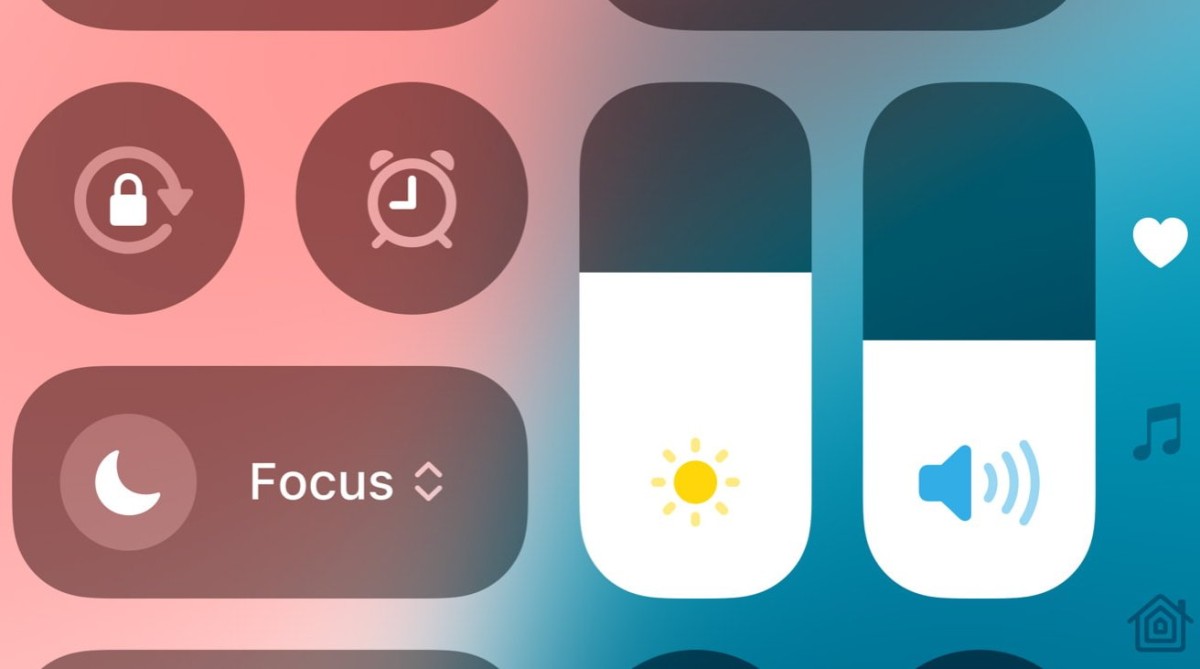
iOS 18 introduces a streamlined Control Center experience that enhances usability and customization options. While the familiar swipe down from the top right still summons Control Center, its new design and editing capabilities mark a significant overhaul.
Redesigned Interface: Gone are the days of scrolling through a single crowded page of icons. iOS 18 divides Control Center into four distinct pages: Favorites, Music, Home, and Connectivity. Each page caters to specific functions, allowing users to swiftly navigate by swiping directly to their desired section.
Customization Made Easy: Adding and arranging controls is simplified with a new editing mode. Tap the plus icon or any blank space to enter customization mode, where a comprehensive list of options awaits. Controls can be added to any page, although identifying duplicates or misplaced items could be more intuitive in future updates.
Resizing and Rearranging: A newfound flexibility lets users resize elements within Control Center. Whether expanding the flashlight control for clearer visibility or adjusting Wi-Fi settings, the ability to resize enhances user interaction. However, resizing controls may inadvertently shift others to additional pages, requiring careful adjustment.
Early Impressions: While iOS 18's beta phase reveals promising enhancements, refining user interface nuances remains a priority. Despite minor quirks like missing indicators for added controls, the seamless integration of customization within Control Center is commendable.
iOS 18's revamped Control Center offers both enhanced functionality and user-friendly customization tools. Whether accessing favorite controls instantly or tailoring settings to personal preferences, the redesigned interface aims to elevate user experience on iPhones.





