
However, there are some notable differences between the iOS 18 and macOS Sequoia versions of the app, particularly concerning importing passwords from third-party password managers.
Initial Content
- Automatic Inclusions: Both iOS 18 and macOS Sequoia versions of the Passwords app come preloaded with all passwords saved in Safari. This includes login passwords, Wi-Fi passwords, and Passkeys.
- Third-Party Passwords: Neither version includes passwords exclusively saved in third-party password managers (e.g., 1Password, LastPass) out of the box.
Importing Passwords
-
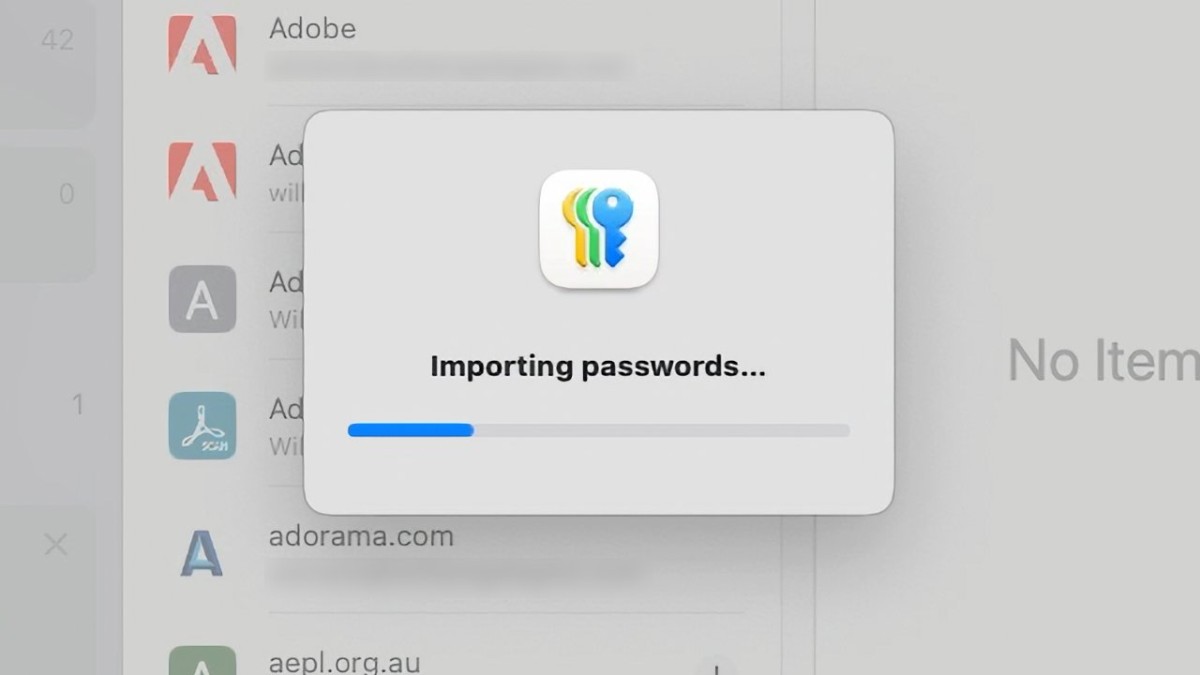
macOS Sequoia: The Passwords app on macOS Sequoia includes an import option, allowing users to import passwords from a .csv file. This functionality is essential for users transitioning from third-party password managers.
- Import Process: Importing can be slow, taking over five minutes for a .csv file with approximately 3,500 passwords and an additional two minutes before they appear in the app.
- Import Limitations: The app does not overwrite existing passwords. It flags conflicts with the word "conflict" in the import dialog, but this information is not saved or viewable later. Also, imported passwords are marked as modified on the current date, without the original modification date.
-
iOS 18: Currently, the iOS 18 Passwords app does not support importing passwords from .csv files. Users must add passwords one at a time, either through Safari or manual entry.
- Strong Password Suggestions: When manually entering a password, both iOS 18 and macOS Sequoia offer suggested strong passwords. On iOS 18, this strong password is pre-entered for the user.
User Experience Considerations
- Security Concerns: Using a .csv file to import passwords poses a security risk as .csv files are plain-text and easily readable. Users should delete the .csv file immediately after the import process to mitigate this risk.
- Performance: The slow import process on macOS Sequoia may be inconvenient, and the inability to track conflicts or original modification dates can be problematic for maintaining accurate and up-to-date password records.
Future Expectations
- Beta Stage: These observations are based on the first developer betas of iOS 18 and macOS Sequoia. Future updates may address these limitations, particularly the lack of an import option in iOS 18.
Apple’s new Passwords app is a significant step in integrating password management within its ecosystem, but it still has some growing pains, particularly regarding the import functionality. Users transitioning from third-party password managers on iOS may find the current limitations frustrating, while macOS users must be cautious about security when using .csv files for import.





