
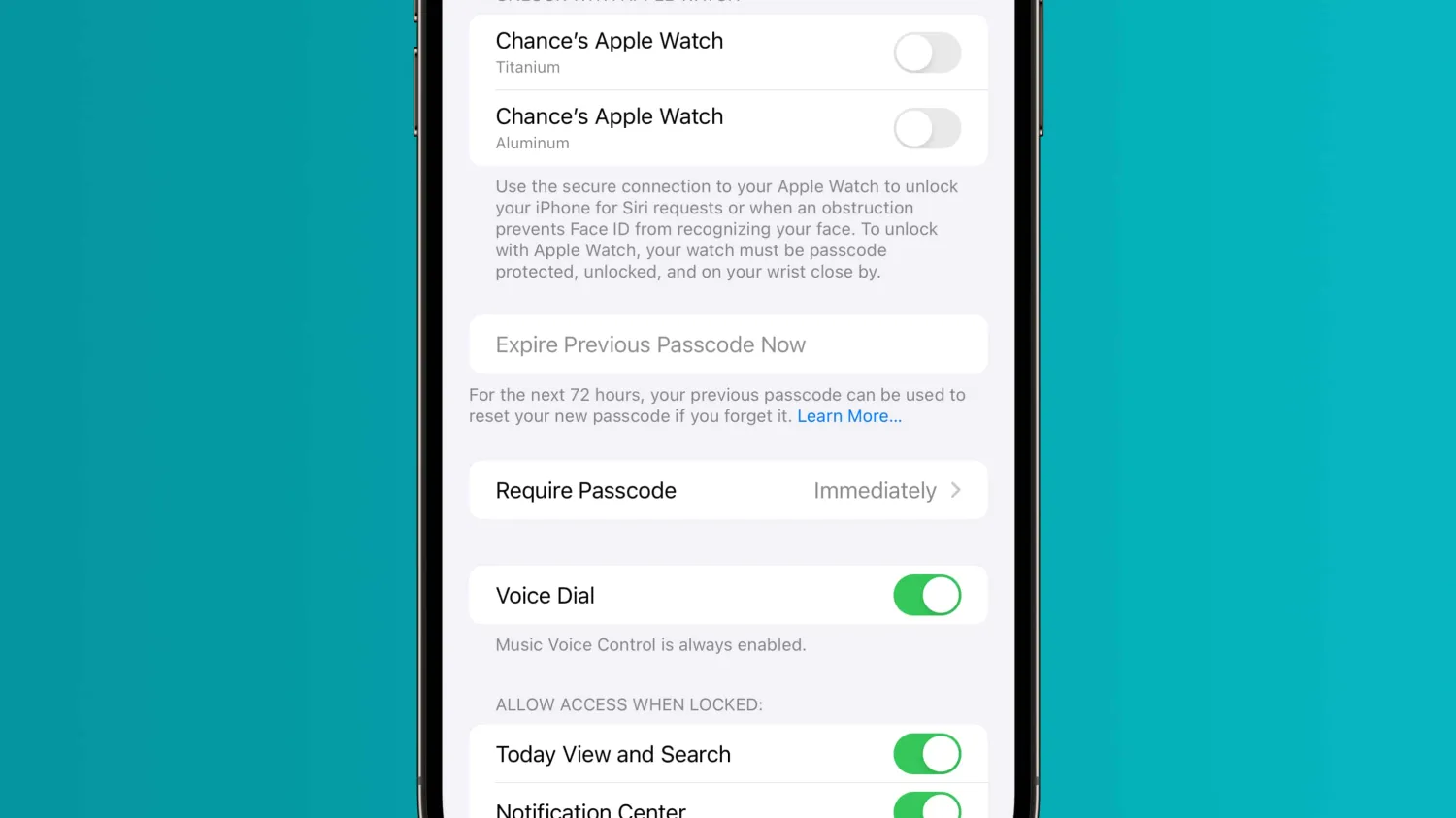
In iOS 17, Apple has added a new feature that gives you 72 hours to use your old passcode after you change to a new one. This means that you have three days to revert your decision to change your passcode, so long as you remember your original passcode. From there, you can create a new iPhone passcode that you hopefully won’t forget.
As pointed out by MacRumors, if you enter the wrong passcode within 72 hours of making the change, iOS 17 will prompt you with a new “Forgot passcode?” option on the iPhone’s Lock Screen. Tapping this will give you the option to regain access to your iPhone using your previous passcode.
But Apple is always aware that not everyone will want their previous passcode to be useable. In the Settings app under the “Face ID and Passcode” menu, there is also an option to “Expire Previous Passcode Now.” This will immediately render your previous passcode useless and mean that you aren’t able to use that passcode at all.
There are a handful of reasons why this feature will be useful for iPhone users, including for parents who might have a nefarious kid change their iPhone’s passcode. Or maybe your kid changes the passcode on their own iPhone or iPad and forgets the new version. Or maybe you’re just forgetful.
Previously, Apple required that you use your Apple ID and password to erase and reset your device in the event of a forgotten passcode. This process still applies outside of that 72-hour window.
iOS 17 is currently available to developer beta testers. Apple will release a public beta next month, followed by a release to the general public sometime in September. As always, features and changes might change between now and the final public release.





