
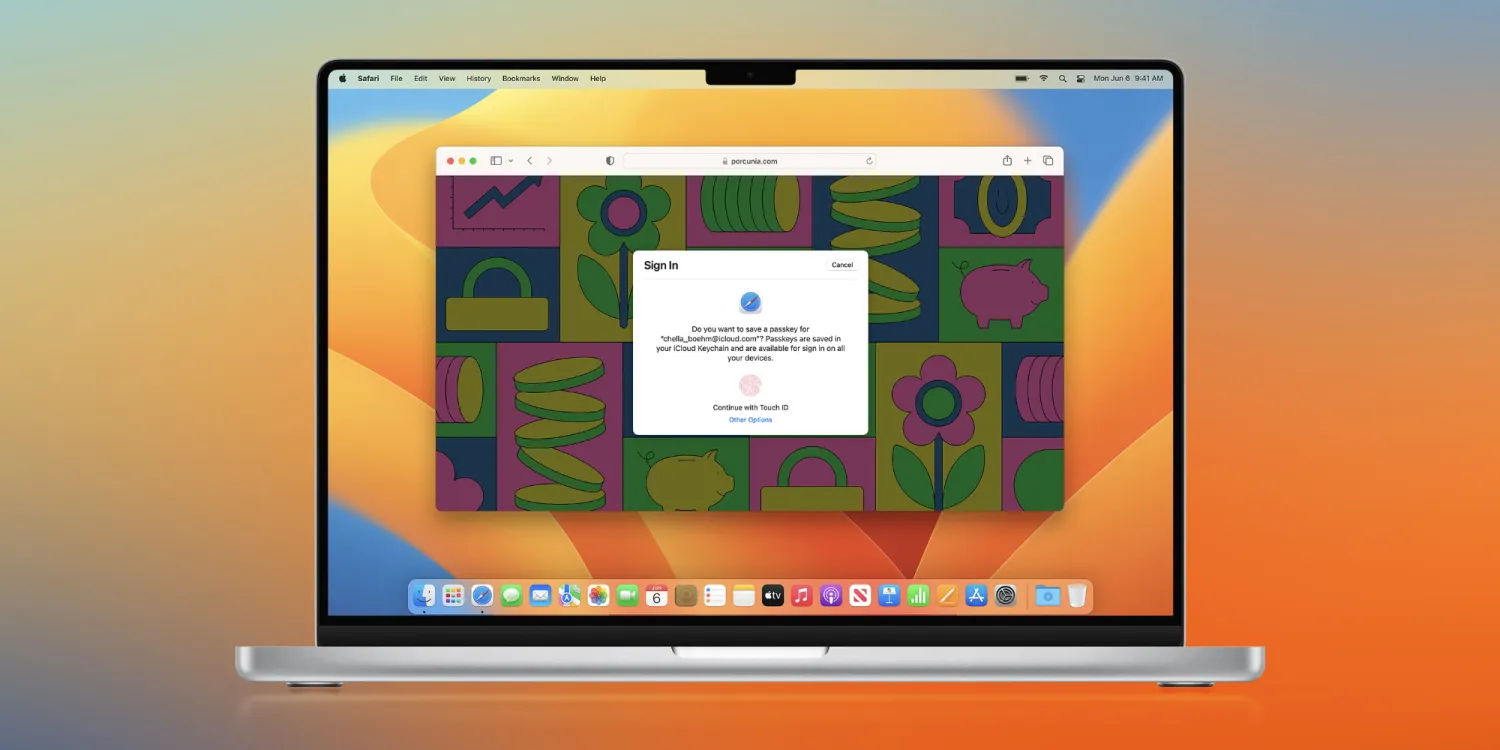
As long as you’re running iOS 17 on your iPhone, you can start using it out now. Just go to any sign-in page with an apple.com or icloud.com domain, like appleid.apple.com or www.apple.com/shop/bag, and look for the Sign in with iPhone button after your enter your Apple ID email address.
It also works from Safari on the Mac, although you can use passkeys on non-Apple devices as well. Once you select Sign in with iPhone, a QR code is presented that you scan with your iPhone. If you scan the QR code from the Camera app, you can tap the yellow link box to invoke Face ID or Touch ID to authenticate your identity on the web without ever entering your password.
Passkey is an industry-wide effort to create a more secure authentication system for our digital lives. Password best practices include using strong, unique passwords for every digital account, but passkeys provide a simpler method that relies on your smartphone to authenticate your account credentials.
“Based on FIDO Alliance and W3C standards, passkeys replace passwords with cryptographic key pairs,” explains Apple. “These key pairs profoundly improve security.”





