
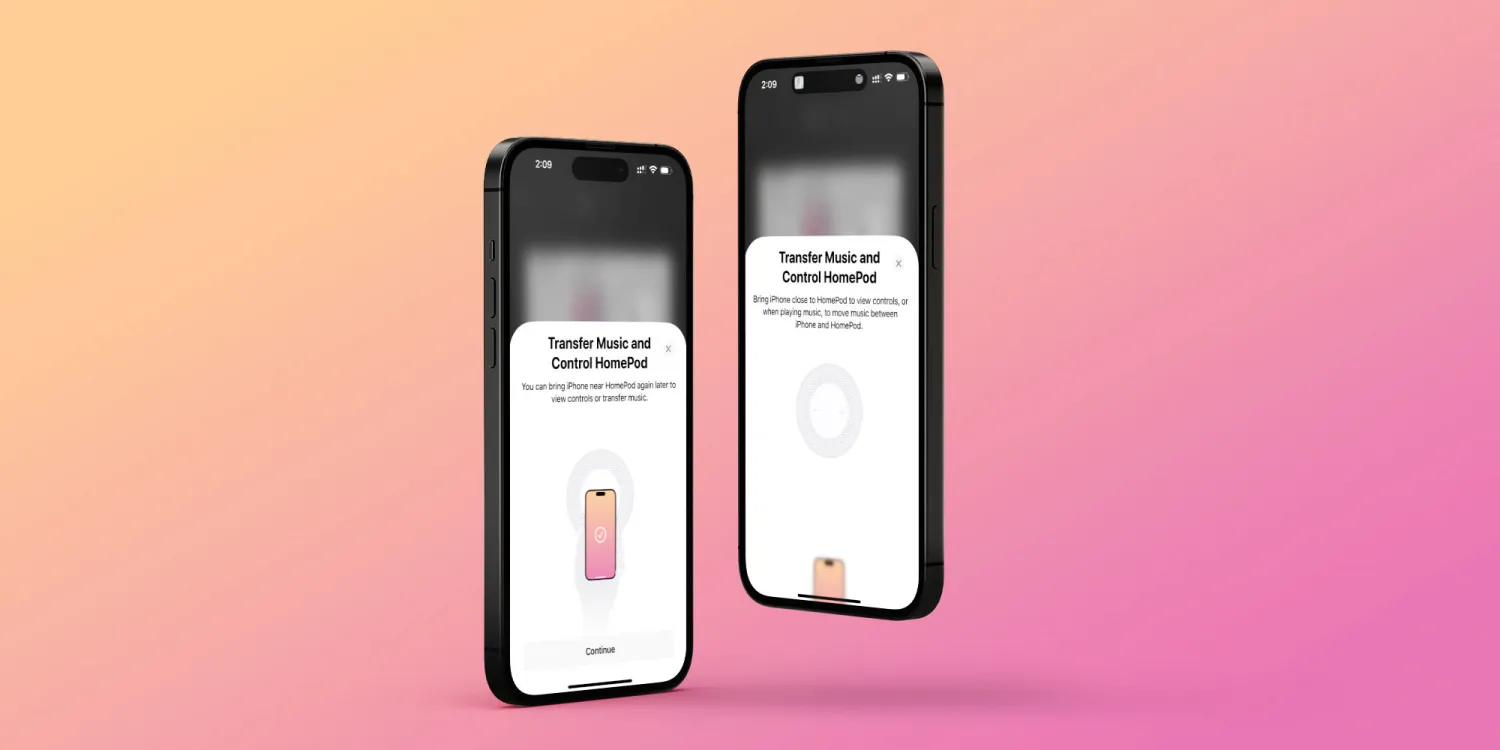
Guide on how to Handoff from iPhone to HomePod with iOS 16.3
Handoff from iPhone to HomePod is not a new feature. In fact, it has been available since the original HomePod, which was discontinued in 2021. With the HomePod mini, the feature works even better and more precisely, thanks to the U1 chip. All you need to do is bring your iPhone near your HomePod to transfer a song, podcast, or call.
To help users become more familiar with this feature, Apple has included a new guide in iOS 16.3 that shows HomePod owners how to do just that.
Now, those who have a HomePod set up in their account will see this new guide after updating to iOS 16.3 (which is currently in beta). iOS explains that users can bring their iPhone close to their HomePod to see playback controls or to move audio between the devices. Here’s what the system says:
Bring iPhone close to HomePod to view controls, or when playing music, to move music between iPhone and HomePod.
You can bring iPhone near HomePod again later to view controls or transfer music.
This is a small change, but at the same time, it helps users learn more about what they can do with the HomePod. Earlier this month, the company expanded the availability of the HomePod mini to three more countries: Sweden, Finland, and Norway. Apple also confirmed that the HomePod mini will soon be available in South Africa.





