
Apple's WWDC developer conference, where Apple introduced new software and features for products such as iPhone, Apple Watch and iPad, was held on June 6.
Within the scope of the event, Apple introduced new versions of its software. The most curious among these software was iOS 16. The next major version of Apple's iOS operating system includes significant improvements.
Currently in development, iOS 16 is now available to all users as a Public Beta version.
How to install iOS 16 beta
If you have one of the supported iPhone models, you can experience iOS 16 by signing up for the beta program.
By doing so, you can receive all beta versions until the final release of iOS 16 in September, or you can be the first to try its features after installing it.
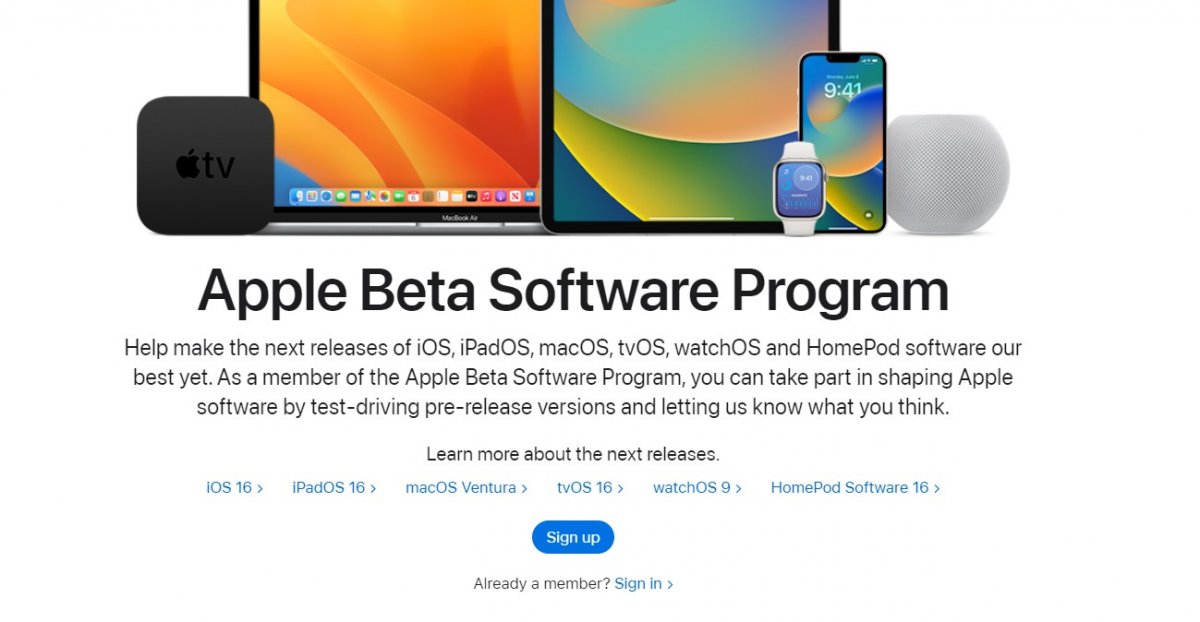
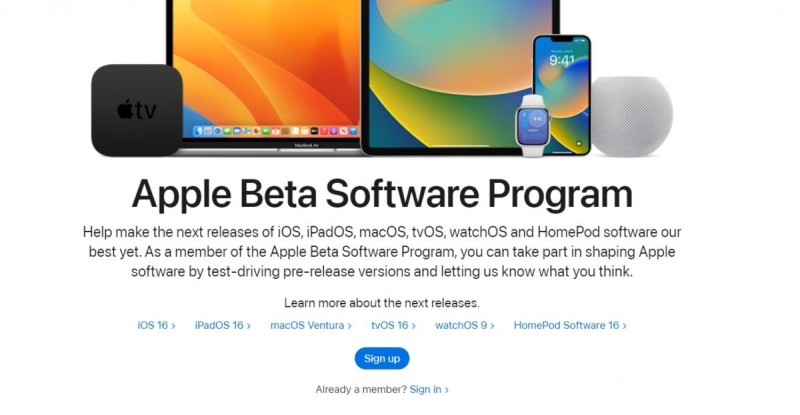
1- First, go to Apple's Beta program page on your phone and sign in with your Apple ID.
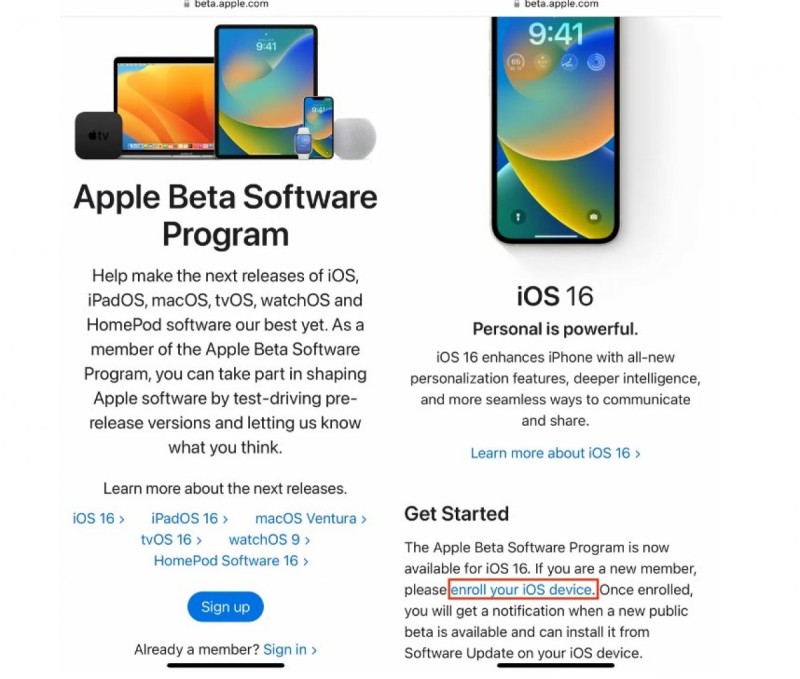
2- Go to the iOS tab, scroll down and tap "Enroll your iOS device" in the Get Started section.
 3- Tap Download profile, download the iOS 16 Public Beta profile to your iPhone and restart your phone.
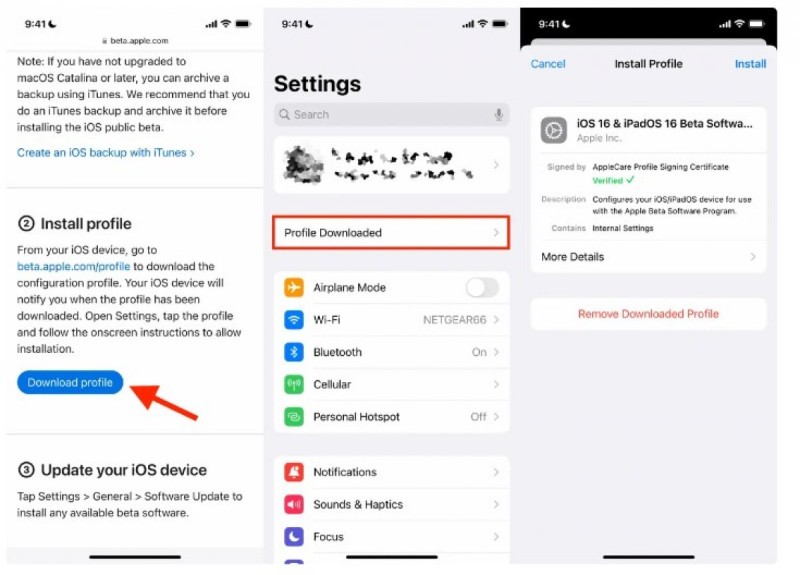
Finally, follow Settings - General - Software Update. You will see that the iOS 16 beta update has arrived on your phone. Tap Download and Install to install the update.
If for some reason you don't see Download and Install, you may need to wait a few minutes to free up space or clear your memory.
If you don't have enough space, you won't be able to download iOS 16, so clear your memory by deleting large files.
If you want to exit the iOS 16 beta program, just delete the beta profile you downloaded.





