
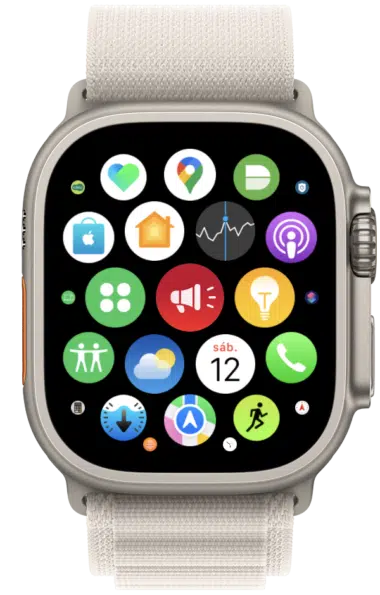
Another unique feature of this watch is the Siren . With it, you can alert people around you when you are lost in a very remote place, for example. According to Apple, when activated, the noise can be heard at a distance of almost 200 meters!
By action button
The first is by holding down the Action button until the feature's slider appears on the screen. Then drag it to start the countdown and after that, the Siren will be triggered.
Optionally, you can also simply press and hold this Action button until the Siren activates.
By the side button
The second way to activate it is using the side button (the one opposite the Action button on the side). Hold it down until the Siren slider appears. Then drag it so that a countdown starts and the Siren starts to sound.
By the app itself
The third — and final way to access the Siren — is through the app itself, which can be opened directly from the Apple Watch's list of apps (by pressing the Digital Crown , when on the watch face).
In any of the three cases, when the Siren is working, you will see information such as the current time, the percentage of battery remaining, a pause button (in the center) and a power slider to use the emergency call on the screen, if it's still lost.





