
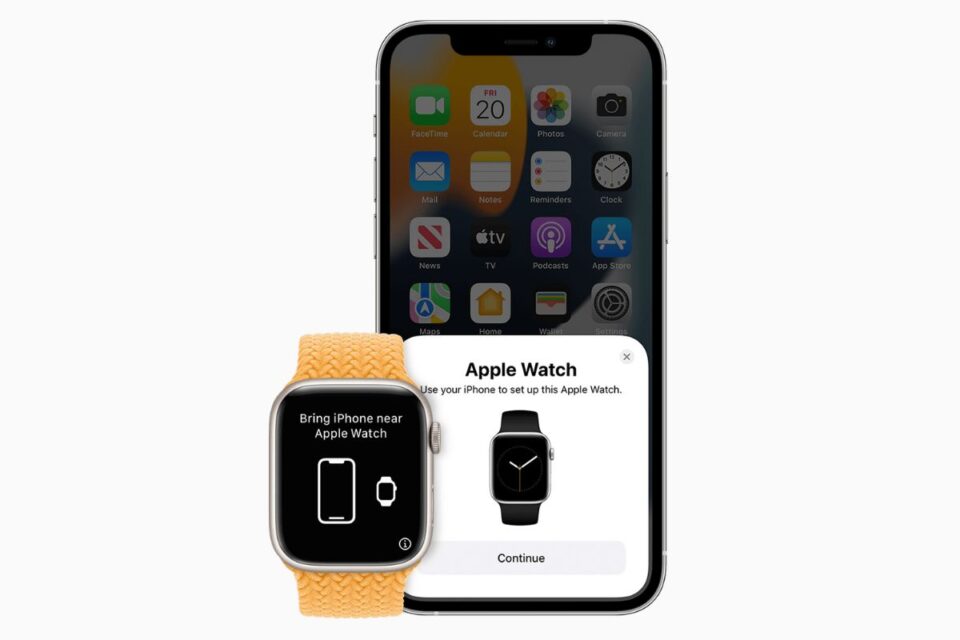
Pairing an Apple Watch with a new iPhone is similar to setting up a new Apple Watch on an existing iPhone, with users required to have both devices in close proximity to each other throughout the pairing process however, when connecting an Apple Watch with a new iPhone, it is important to follow the steps below to sync the two devices together to access all Apple Watch settings from your iPhone.
This guide is for Apple Watch users who have their old iPhone available to complete the pairing process with the new device. If you don’t have your old iPhone or you erased it, you may need to erase your Apple Watch to connect it with your new iPhone.
How to pair an Apple Watch with a new iPhone
Update your old iPhone to the newest version of iOS that’s available
Check that Health and Activity content is syncing to iCloud by opening the Settings app on your iPhone, tapping your profile picture, selecting iCloud, tapping Show All and ensuring Health is toggled on
Set up your new iPhone by signing into your Apple ID
Keep your Apple Watch and iPhone close together and open the Watch app on the new iPhone
Follow the onscreen steps to finish setting up
To use your Apple Watch with watchOS 9, you need to pair your watch with an iPhone 8 or later with iOS 16 or later.





