
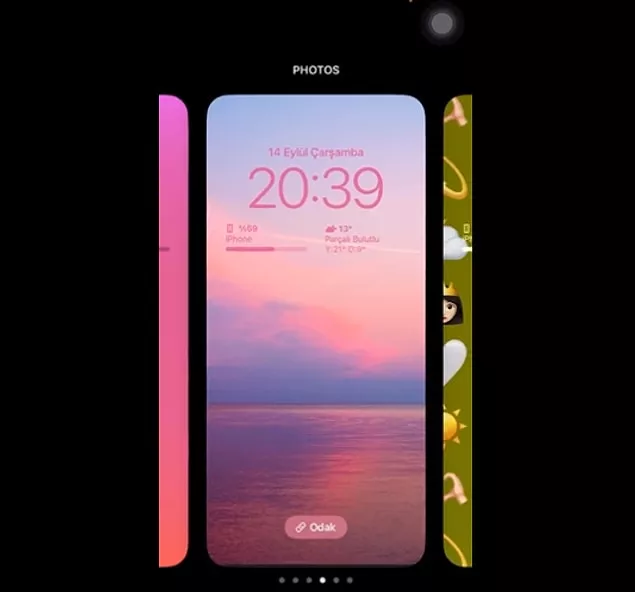
After the iPhone 14 models announced by Apple recently , the expected software update came. The iOS 16 update, which users are eagerly waiting for, allows to use many features on the devices. One of them is background update. Apple allows background and wallpaper designs on devices, and now you can customize your device's software features.
Now you can make your own wallpaper design on your iPhone, so how? You can find the answer in our content with the most popular sample designs!
-
On the home screen you hold down, swipe right to select the unedited view.
-
By selecting at least 6 emojis on the incoming screen, you can see that they are positioned on the screen.
-
You can change the places of the emojis by swiping right on the existing screen.
-
To change the background , you must click on the 'Change background' option below.
-
Finally, you can use your new design by completing the 'Add' step in the upper right corner.





