
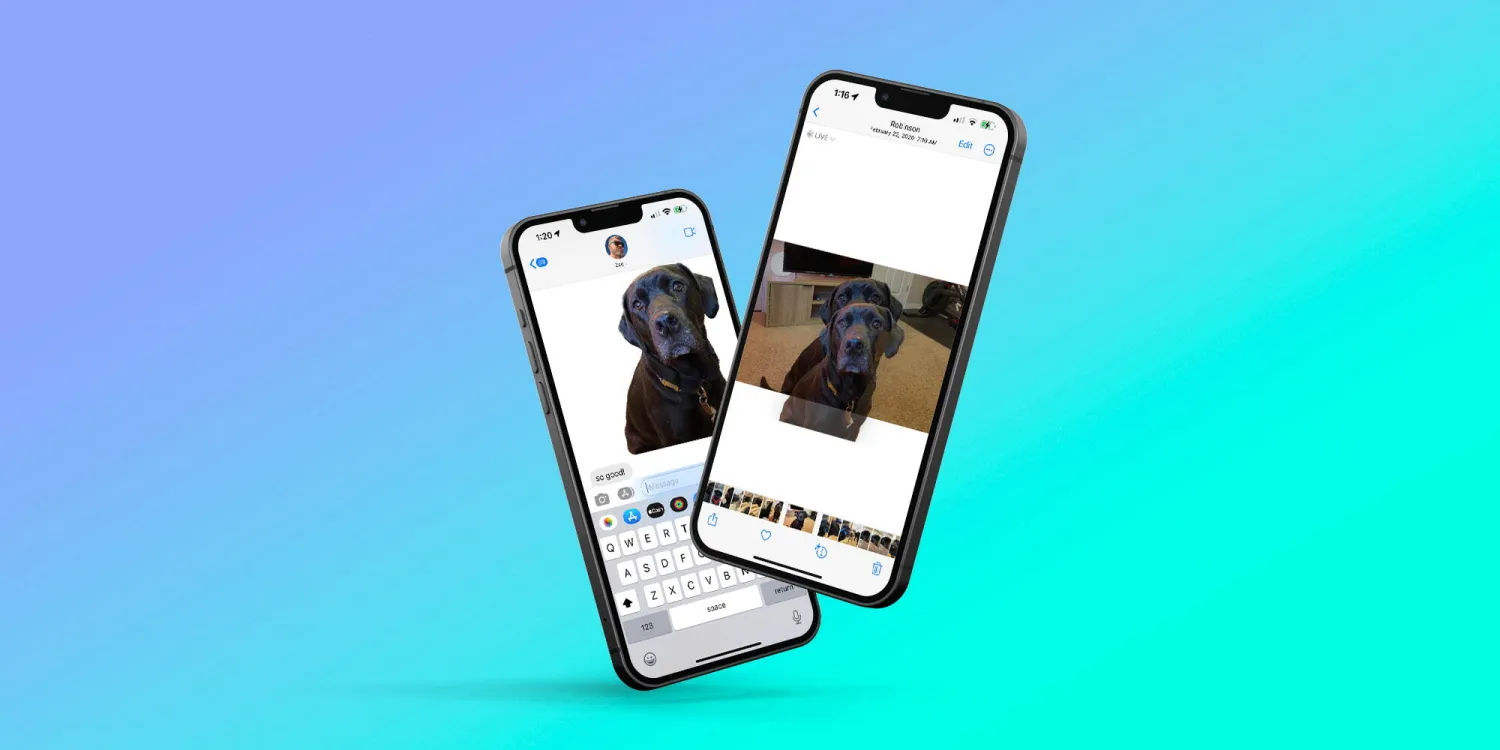
The background removal feature in iOS stands out as a remarkably integrated function across the operating system, enhancing user interaction with images in various applications. This feature is accessible within Photos, Screenshots, Quick Look, Safari, the Files app, and beyond, showcasing Apple's commitment to seamless user experiences.
To utilize this feature within the Photos app, for instance, you simply need an image where the subject is relatively distinct. By long-pressing on the subject, it is instantaneously separated from its background. This intuitive method is consistent across other contexts like screenshots, Quick Look, Safari, and Files, illustrating the feature's versatility.
The capability to remove a photo's background is almost ubiquitous across iOS. Whether a picture is received through Messages or viewed in the Mail app, a long press on the subject will allow you to isolate it from the background effortlessly. Apple's integration of this feature throughout iOS is a testament to its innovative approach to user experience.
Interestingly, this feature is also operational directly from Google Images search results in Safari. This means users can easily search for an image, extract the subject from its background, and utilize it elsewhere, always ensuring to attribute it correctly.
Once a subject is isolated from its background, iOS offers various ways to use it. The subject can be dragged across iOS, akin to moving any other image, allowing for creative uses such as incorporating it into iMessage as a sticker or into iMovie for setting against a new backdrop.
To save the newly isolated image, you can long-press on the subject, then tap on 'copy' or 'share' after a single tap on the object, facilitating its storage or sharing.
The introduction and implementation of the background removal feature in iOS are commendable for both its effectiveness and the potential it unlocks for users to creatively engage with images. Despite its impressive performance, there remains room for enhancements, particularly in simplifying the process of saving these edited images directly to Photos and Files.
This feature opens up various possibilities for personal and creative use, inviting users to explore new ways of interacting with images. What are your thoughts on this feature, and how do you envision using it? Share your ideas and experiences in the comments below!





