
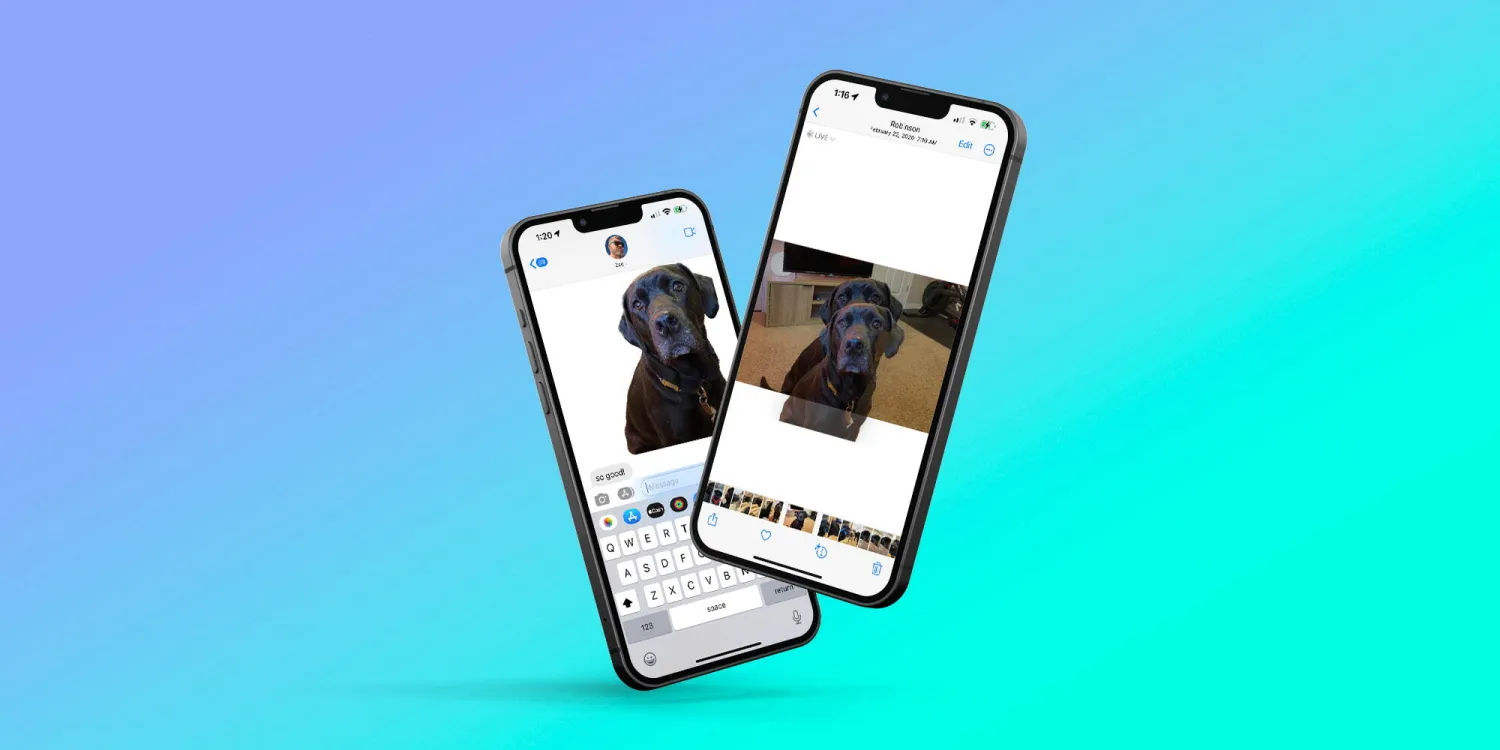
The background removal feature in iOS represents a significant advancement in how users interact with images on their devices. Its deep integration into the operating system allows for a seamless and intuitive user experience, making it accessible from various applications without the need for third-party apps or complicated editing tools. This feature enhances creativity and productivity, enabling users to manipulate images effortlessly for personal, educational, or professional purposes.
Use cases for this feature are vast and varied. Here are a few examples:
-
Creating Custom Stickers: Users can create personalized stickers for use in iMessage or other messaging platforms by removing the background from personal photos or any image of interest.
-
Presentations and Projects: Whether for school, work, or personal projects, individuals can easily extract subjects from images to use in presentations, video projects, or document layouts, adding a professional touch without requiring advanced graphic design skills.
-
Social Media Content: Content creators can utilize this feature to craft engaging and visually appealing posts. By isolating subjects and placing them on different backgrounds or integrating them into creative compositions, users can stand out on social media platforms.
-
Educational Materials: Teachers and students can benefit from the ability to quickly isolate images for educational materials, making lessons more engaging and visually stimulating.
-
Design Mockups: Designers and marketers can use this feature to create quick mockups by placing products into various environments or alongside other items to visualize concepts or promotional materials.
-
Personalized Wallpapers: Users can customize their device wallpapers by combining various subjects removed from their backgrounds, creating unique and personalized designs.
While the feature already provides impressive results and usability, Apple could enhance it further by introducing more straightforward options for saving edited images directly to Photos or Files, as well as providing advanced editing tools for refining the edges of the cutout subjects. Moreover, integrating AI to suggest automatic enhancements or corrections could make the feature even more powerful and user-friendly.
Overall, the background removal tool in iOS opens up a plethora of creative possibilities, making image editing more accessible to a broader audience. Its implementation is a testament to Apple's commitment to integrating advanced functionalities into its operating system, catering to both casual users and professionals alike.





