
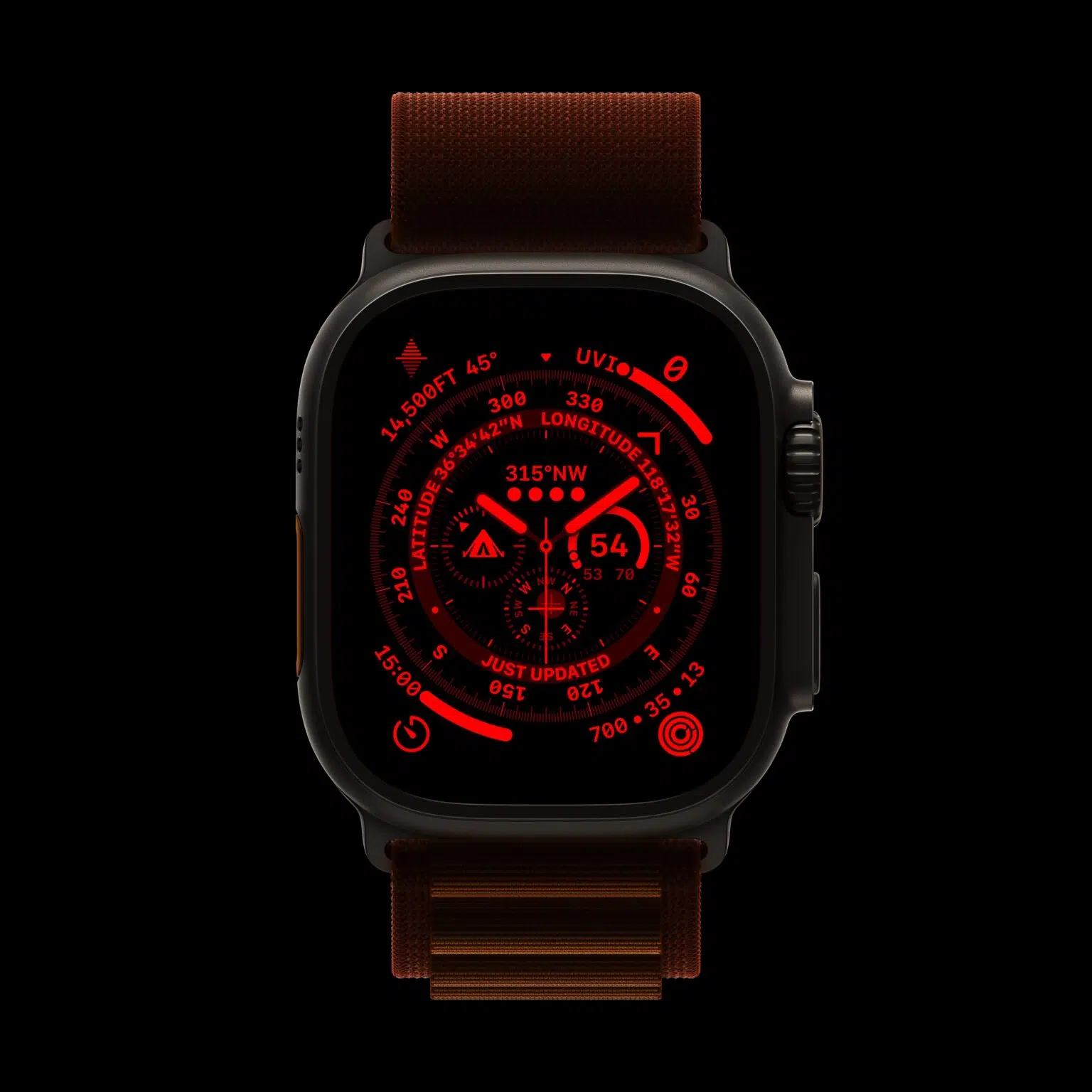
In the case of the Apple Watch Ultra , she took the opportunity to also launch an exclusive watch face — called Guia ( Wayfinder ) . With it, you can not only include your favorite complications, but also show latitude and longitude, as well as elevation and incline.
Another very interesting feature of the Guide display is the Night Mode , which changes the color of all the graphic elements on the screen to red. Thus, the visualization of the information contained in the complications is easier to be visualized in certain environments.
To activate Night Mode, all you have to do is make sure you have the Guide dial applied. Then turn the Digital Crown up to activate this mode.
When you want to go back to normal, ie show all the colors on the display again, just turn the Digital Crown down.





