
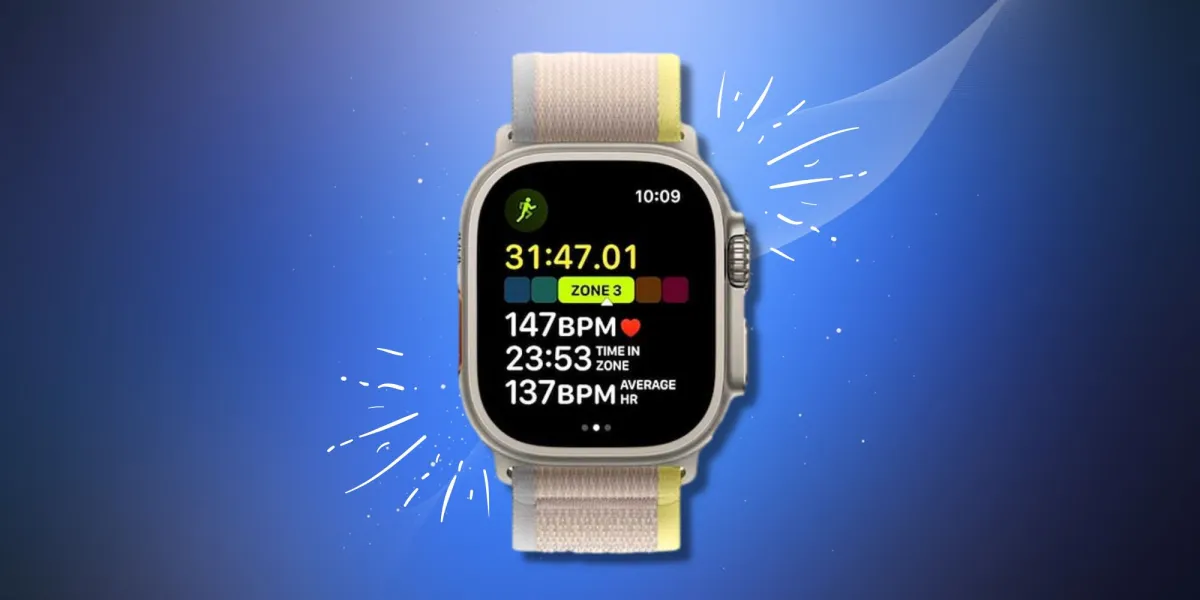
Your Apple Watch will set default Heart Rate Zones using your health data to estimate them. This will get more accurate overtime, but if you already know what they here, here is how to edit them manually:
To edit your Heart Rate Zones:
- Go to the app menu on your watch;
- Select Settings app;
- Scroll to bottom, select ‘Workout;’
- Select ‘Heart Rate Zones;’
- Select ‘Manual;’
- Tap zone 2, 3, or 4, and enter the lower and upper heart rate (BPM) limits.
This can also be done via the Apple Watch app on your iPhone.
- Open the Apple Watch app;
- Tap My Watch;
- Select Workout;
- Select Heart Rate Zones;
- Select ‘Manual;’
- Tap zone 2, 3, or 4, and enter the lower and upper heart rate (BPM) limits.





