
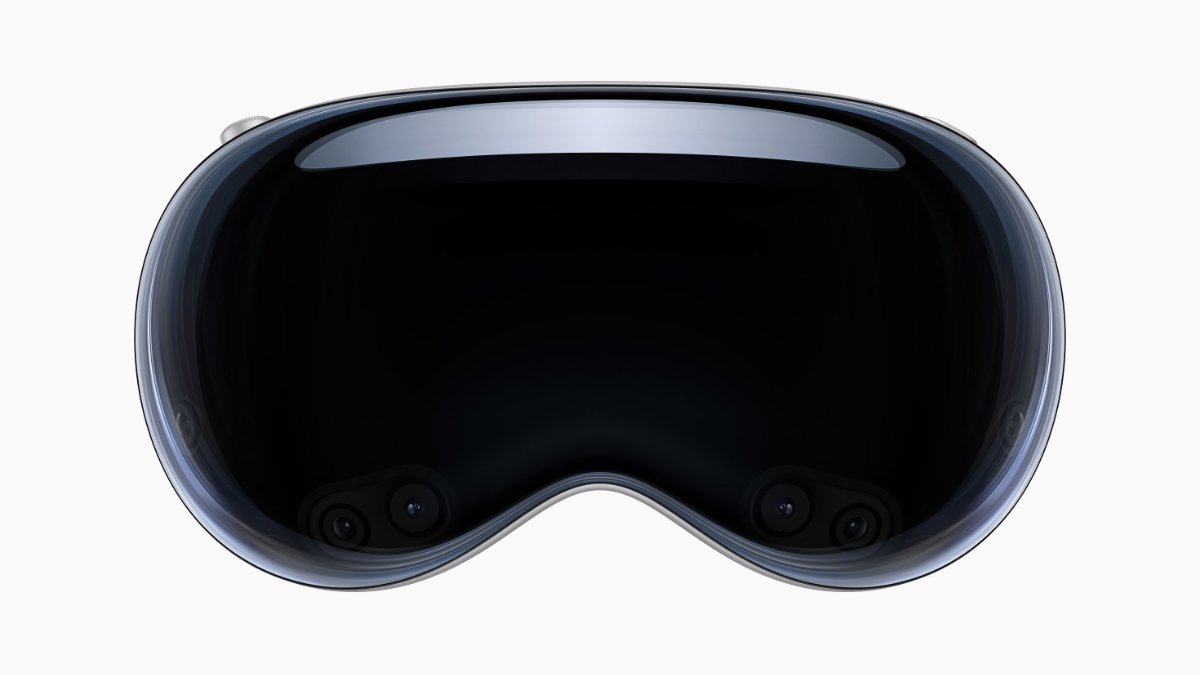
Here's a quick guide on how to find and enjoy 3D content using any Apple device connected to the TV app.
Where to Find 3D Movies:
- Apple TV App: The primary platform for discovering 3D movies tailored for the Apple Vision Pro is the Apple TV app. This app houses a special section dedicated to 3D content, making it easy to find something to watch in no time.
- Curated Selection: Apple curates a range of 3D movies, from the latest blockbusters to beloved classics, updating the selection regularly to keep your options fresh.
How to Watch 3D Movies on Apple Vision Pro:
- Open the Apple TV App: Start by launching the app on your iPhone, iPad, or Mac.
- Navigate to 3D Movies: Look for the 3D movies section under either the 'Search' tab or the 'Home' screen.
- Select and Play: Choose your movie, hit the 'Play' button, and select 'Play in 3D' to start your immersive viewing experience.
- Adjust Viewing Options: Easily switch between 2D and 3D by going back to the movie details and adjusting the playback settings.
Benefits of the Apple Vision Pro:
- Enhanced Viewing Experience: The Apple Vision Pro doesn't just play 3D movies; it immerses you in them, turning passive viewing into an interactive spectacle.
- Seamless Integration: Fully integrated with Apple services, the device ensures a smooth, user-friendly experience across your Apple ecosystem.
Dive into a new dimension of film with the Apple Vision Pro, where every movie night becomes a vivid, lifelike adventure.





