
If you're on the verge of running out of space, you're not doomed and you won't have to delete every photo or upgrade your phone. Here we'll guide you through nine things you can do to free up space, many of which are free, quick and easy.
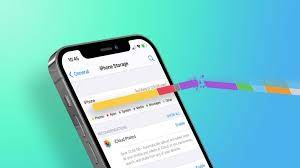
Check what's taking up the most space on your iPhone by going to Settings, clicking General and tapping iPhone Storage. There you'll find a helpful breakdown of the files, media and apps that are eating up your space so you can start deleting accordingly.
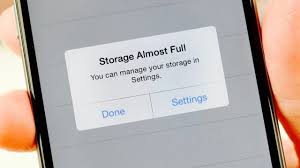
At the very least, aim to delete at least 2 GB of storage so you have space to install more apps and take photos. Most likely, you will soon find that photos and videos are taking up a large portion of your space. If you don't want to delete them forever, back up your photos and videos to a cloud storage service like Apple's iCloud. This way, you'll continue to safely keep copies of your memories before you erase them from your iPhone. However, while the first 5 GB of iCloud storage is free, you'll have to pay more.

After deleting photos, you should know that Apple keeps the pictures you deleted in the last 30 days, they are in the Recently Deleted folder of your Photos app and will still take up space, so make sure you delete them.





