
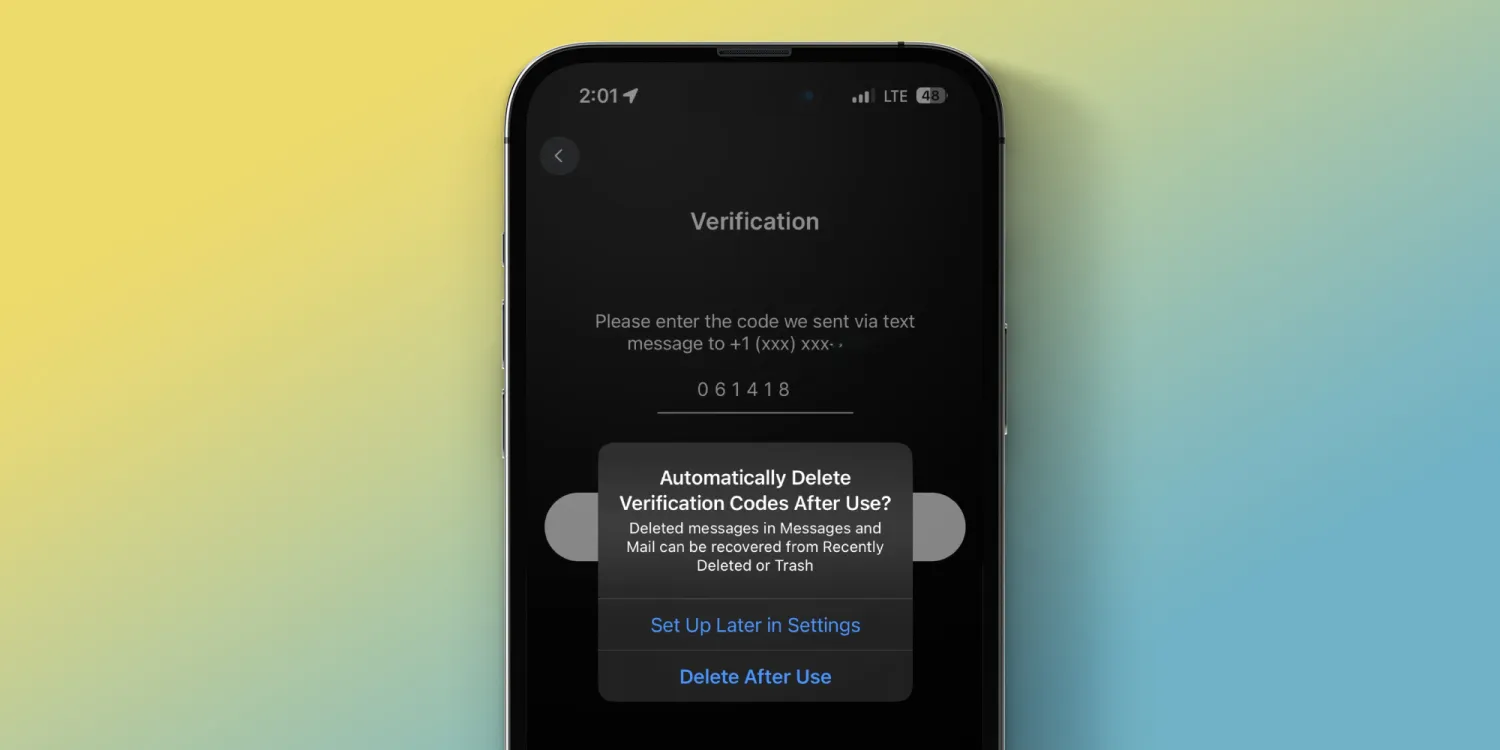
There are certainly many flashier new features with iOS 17 like the StandBy smart display feature, stickers in Messages, Contact Posters, and more.
But iOS 17 being able to auto delete iPhone verification codes after they’ve been used is a handy feature that you’ll probably benefit from regularly if not every day.
Of course, whenever possible, it’s safest to set up any and all accounts you can with non-SMS-based verification codes, but for those services that don’t offer 2FA via a dedicated authentication code-generating app, this will be a useful feature.
How to auto delete iPhone verification codes with iOS 17
iOS 17 is currently in beta. Read more on how to install the software if you’d like to test out features like this and more.
- The first time you get an SMS verification code on your iPhone running iOS 17, you should see a prompt asking if you’d like to “Automatically Delete Verification Codes After Use?”
- Alternatively, you can set up the feature right away or whenever you’d like by heading to Settings > Passwords > Password Options > tap the toggle next to Clean Up Automatically
- That’s it, you’re all set up!





