
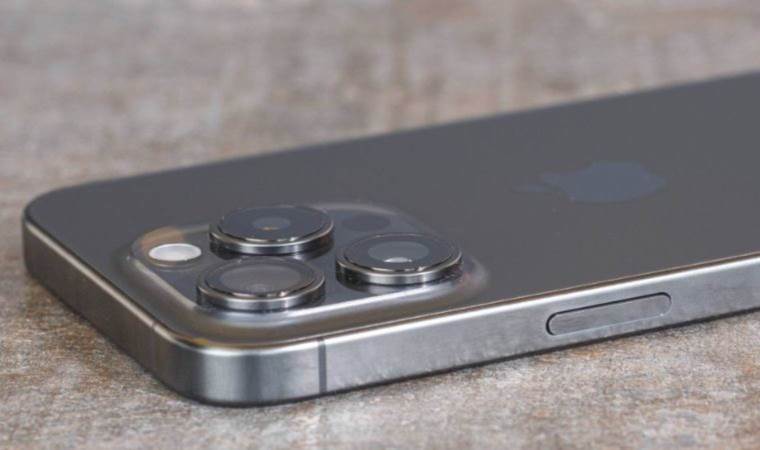
NameDrop, the AirDrop feature that came with Apple's iOS 17 update, is a new feature that allows two iPhone users to share contact information by tapping each other. So how does NameDrop work? How to disable the NameDrop feature?
HOW DOES NAMEDROP WORK? HOW TO DISABLE THE NAMEDROP FEATURE?
Using NameDrop, you can select the phone number and email address you want to share with the contact. If the contact is already saved in your Contacts app, their contact information will be updated. NameDrop can also be used between two iPhones running iOS 17, or between an iOS 17 iPhone and an Apple Watch running watchOS 10.
If you don't want to use NameDrop, you can disable it in iOS 17 by following these steps:
Open the Settings app.
Tap General -> AirDrop.
Turn the switch next to Bring Devices Together on or off.
Note that disabling this setting will also block the new AirDrop proximity sharing feature.





