
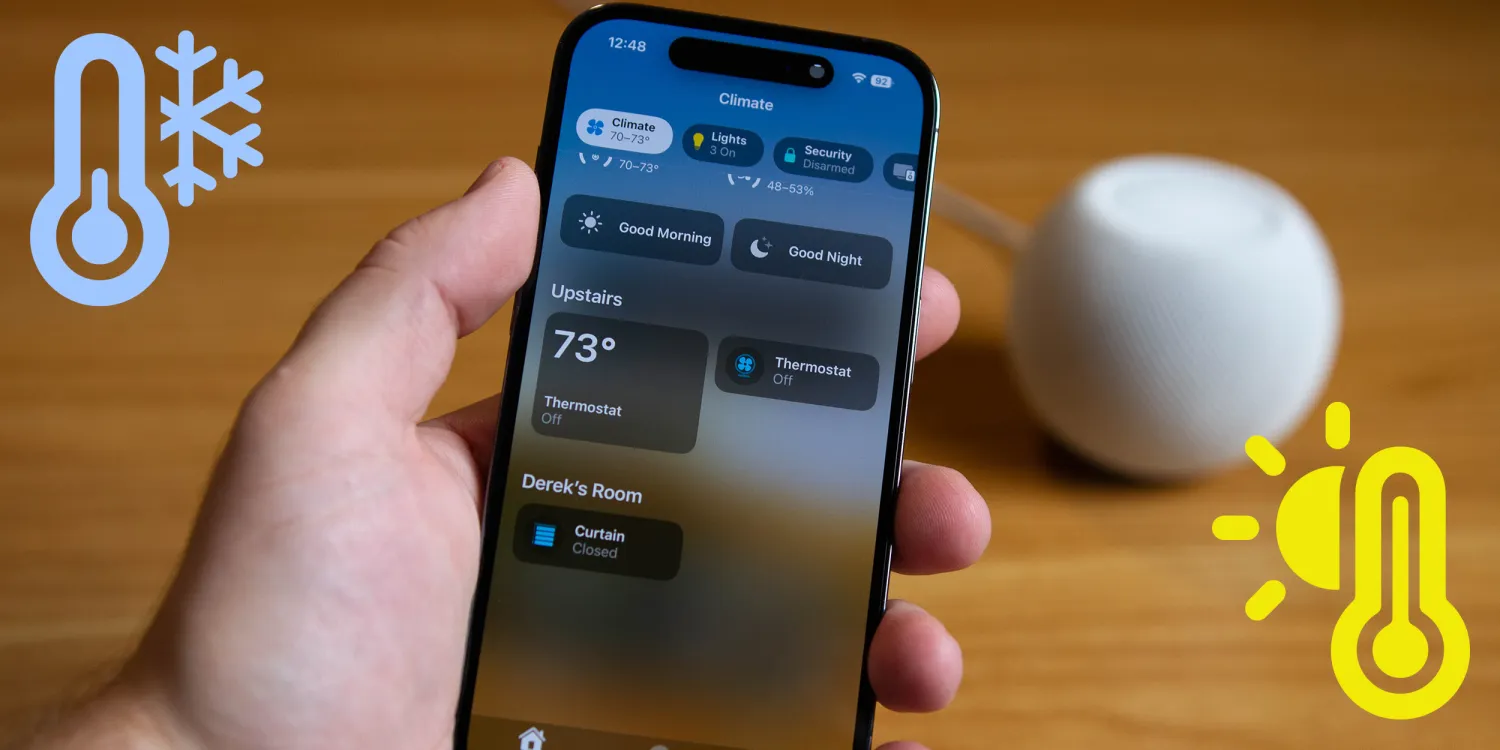
HomePod mini temperature and humidity sensors
The sensors aren’t quite perfect. It takes some time to calibrate, and they aren’t the most accurate sensors on the market. Apple notes that playing music at high volumes from the device will further reduce the accuracy. In my experience, though, it’s been consistent with other temperature sensors, and it’s a nice addition to the normally $100 smart home speaker that doesn’t cost anything extra. Both the humidity and temperature sensors are exposed within HomeKit to run automations when a specific temperature or humidity is exceeded. The first and simplest automation I set up was just to turn on a fan to circulate air if it was too warm where the HomePod was located.
Using HomePod’s sensors in HomeKit
With your phone and HomePod both updated to 16.3, setting up a temperature-based automation is incredibly easy. Just head over to the automation section of the Home app and create a new automation. Choose “A Sensor Detects Something,” select the temperature sensor in the HomePod, and then choose the temperature you want to trigger the automation. You then just select which smart device you want to turn on. This could be a standing or overhead fan, but I selected my ACs fan so that if it got too warm in one part of the house, it would circulate the air throughout the house.
If you want to go through a bit more setup, you can even use the temperature of the HomePod itself to control your AC unit. Why would you want to do this? Well, if you have a single zone AC unit, then just one spot could be controlling the temperature of the house. This can work great, but the temperature can vary a great deal from one room to the next, especially if you have a multilevel home. There are some first-party sensors you can use to seamlessly control the temperature, but some creative automations can control your thermostat from the HomePods sensor exclusively.
You can use one automation to turn on the AC and set the temperature several degrees lower than desired to ensure it will cool the whole house low enough. You can then set a second automation to turn off the AC once the temperature in the HomePod reaches your desired temperature. The AC control is a bit of a hacky solution, but there are plenty of other automations you can set up from those sensors – whether you have it open your blinds if it gets a bit too cold or turn on a humidifier based on the humidity.





