
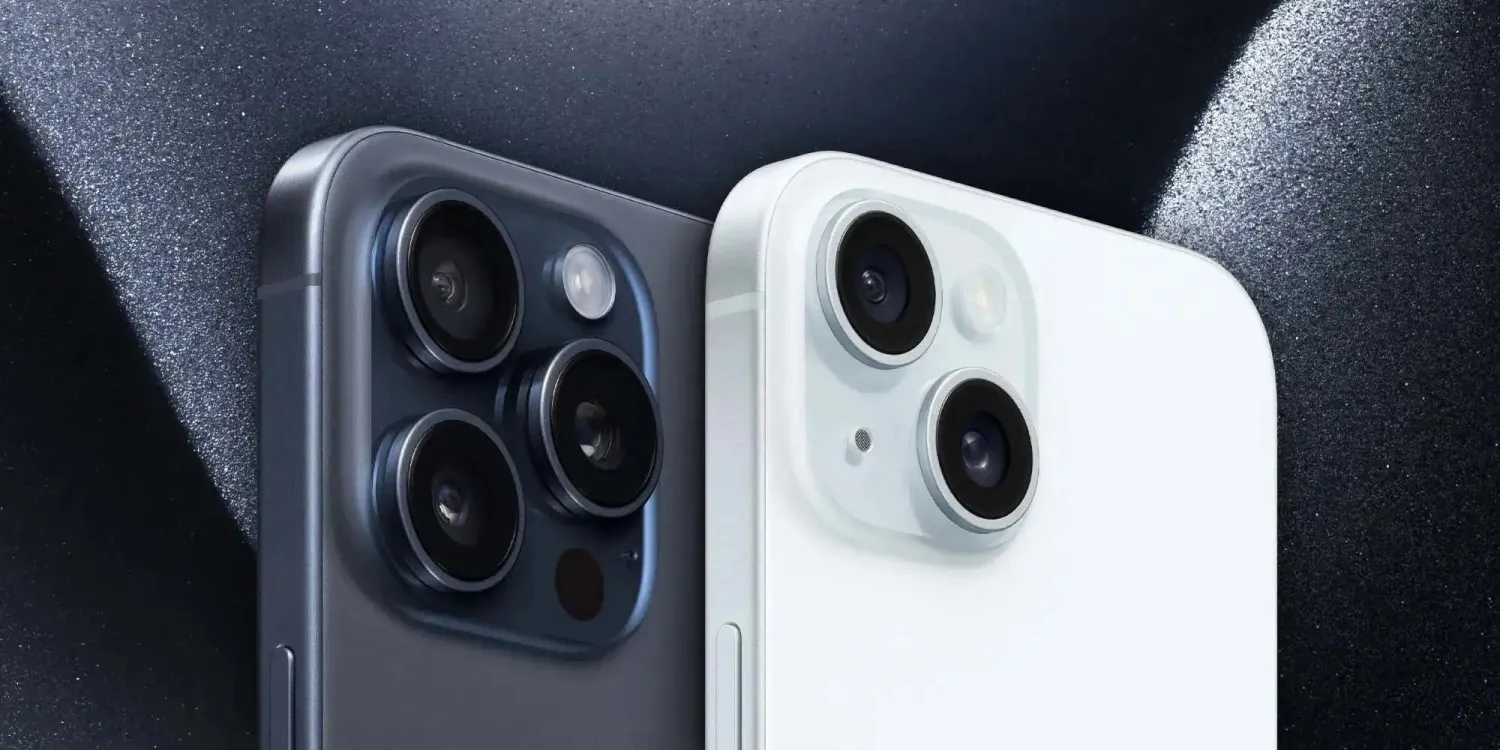
Last year Apple launched its first 48MP main camera with the iPhone 14 Pro and Pro Max capable of shooting ProRAW images while the iPhone 14 stuck with a 12MP main lens.
This year, all of the iPhone 15 models have 48MP main cameras. While the 15 Pro and Pro Max can shoot ProRAW, there’s also a new HEIF Max 48MP mode that all of the models can use.
Even though the new HEIF Max 48MP mode enables high-resolution images at much smaller file sizes around 5MB, you may not want to use it all the time.
But when you want to capture the most amount of detail – allowing for flexible crops and edits – using the full 48MP power of the iPhone 15 camera system is what you want.
- Related: iPhone 15 camera vs 15 Pro camera: What sets them apart?
How to use 48MP iPhone 15 camera (15 and 14 Pro too)
Note: ProRAW 48MP image sizes range from 75-100MB+ each on the Pro models while the new HEIF Max offers improved quality at ~5MB file sizes on the 15/Plus and 15 Pro/Max
- Open the Settings app on your iPhone 15/15 Plus, 15 Pro/Pro Max, or iPhone 14 Pro/Pro Max
- Swipe down and tap Camera
- Now choose Formats at the top
- Tap the toggle next to ProRAW & Resolution Control
- This will just show as Resolution Control on iPhone 15/15 Plus
- On iPhone 14 and 15 Pro and Pro Max tap Pro Default and choose HEIF Max (up to 48MP) or ProRAW Max (up to 48MP)
- Now open the Camera app, make sure HEIF MAX or RAW MAX shows in the corner and is not crossed out – fire away





