
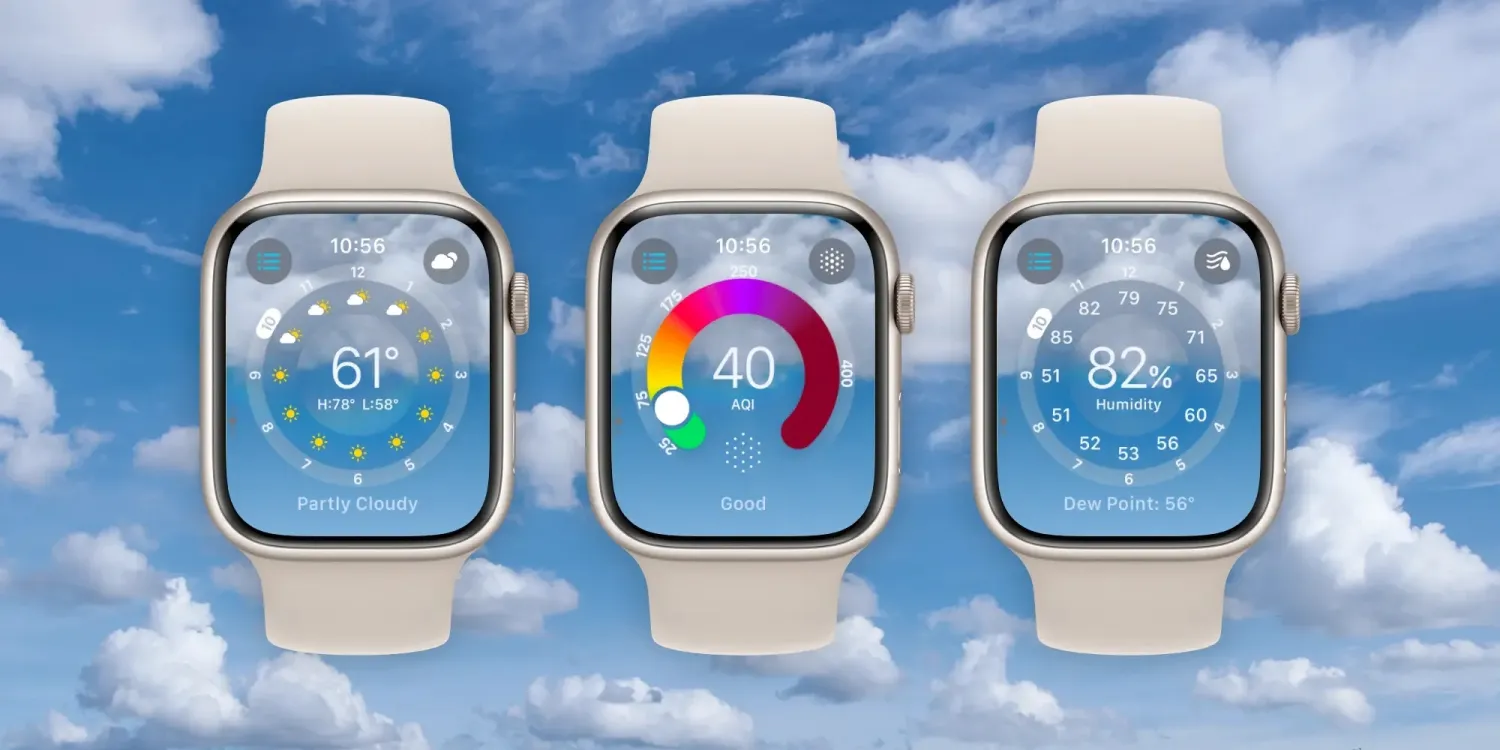
Up until now, the native Weather app on Apple Watch has had a somewhat bland UI with limited meteorological data.
That changes as Weather in watchOS 10 brings an all-new design that looks sharp and is more immersive and informative.
Apple says the overhaul makes better use of the Apple Watch display. There are now eight weather data categories you can view on your wrist (instead of three) with the main, hourly, or 10-day forecast UI. And the background of the app reflects the current weather conditions.
While there is a lot to love about the new Weather experience on Apple Watch, Apple does have some trust to rebuild when it comes to the Weather app’s general accuracy and reliability. Hopefully, that’s dialed in soon . Let’s jump in!
How the new Apple Watch Weather app works in watchOS 10
watchOS 10 is available now in beta – but keep in mind if you do install it on your Apple Watch there’s no way to downgrade to watchOS 9. Read more about installing the beta in our guide.
- When you first open the Weather app in watchOS 10, you’ll see the main “Condition” screen
- That includes time at the top, location, cloud cover, current temp plus high and low, UV index, wind, and AQI
- Swipe or scroll up to see an hourly look at sun/cloud forecast, and keep going to see the 10-day forecast
- Tap the center of your screen to move through the different weather metrics
- Or tap the cloud icon in the top right to change the weather data you’re viewing, which now includes:
- Condition, Temperature, Precipitation, Wind, Ultraviolet Index, Visibility, Humidity, and Air Quality index
- Tap the three-line icon in the top left corner to change location or add new ones
Here’s how the new Apple Watch Weather app works and looks in watchOS 10:
Swipe or scroll on the main “Condition” screen to see the hourly forecast for sun/clouds as well as the 10-day forecast.
With a brand-new design that really makes use of the Apple Watch display, five additional weather metrics, and a much-improved overall UI, I think the new Weather app in watchOS 10 delivers an impressive experience.
What do you think about the new Apple Watch Weather app? Share your thoughts in the comments!





