
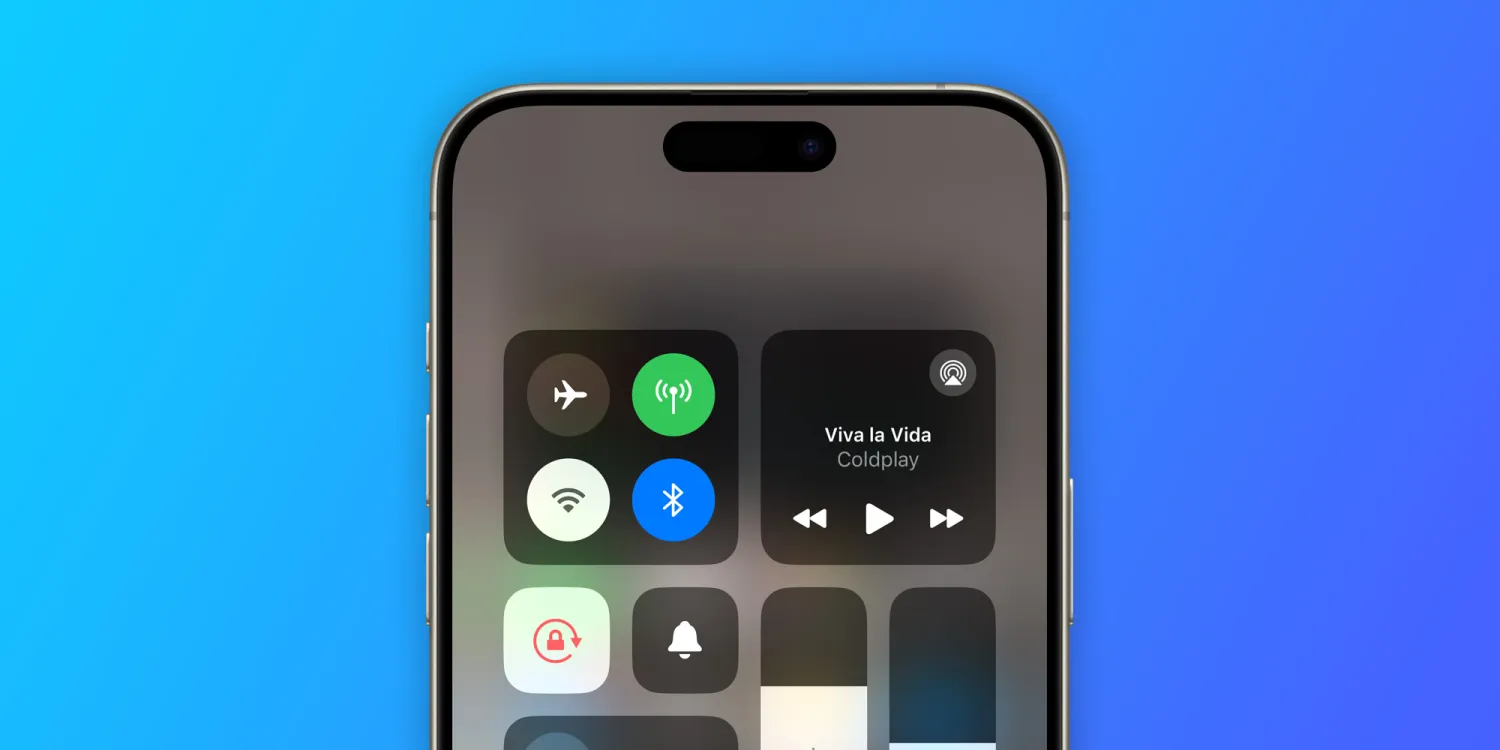
The reports of Wi-Fi issues on the iPhone 15 and devices running iOS 17, as highlighted, raise concerns about connectivity and performance. Users experiencing slow connection speeds, intermittent disconnects, or the inability to load content even when Wi-Fi appears to be connected indicate a problem that could significantly impact the user experience. This issue seems to be more pronounced with the latest hardware and software updates, suggesting that it might be tied to changes or optimizations introduced with these releases.
The troubleshooting steps suggested by users, such as adjusting the Wi-Fi channel bandwidth or toggling airplane mode to reset the connection, offer temporary solutions but do not address the root cause of the problem. It's important for those affected to share their experiences and any potential workarounds they've discovered, as this can help others facing similar issues and might provide clues for a more permanent fix.
Apple's response, or lack thereof, to these reported Wi-Fi issues is crucial. The company is known for its commitment to user experience and software stability, so it's likely that they are investigating these reports. Acknowledgment of the problem would be the first step towards resolving it, followed by a software update to address any identified bugs or compatibility issues causing these Wi-Fi problems.
For users currently struggling with Wi-Fi on their iPhone 15 or any device running iOS 17, keeping software up to date is essential. Apple frequently releases updates to fix bugs and improve performance. If you're experiencing these issues, consider providing feedback directly to Apple through their feedback assistant or support channels. This can help ensure that the issue is documented and addressed in future software updates.
In the meantime, affected users can try some general troubleshooting steps to mitigate Wi-Fi issues:
- Restart the device.
- Forget and reconnect to the Wi-Fi network.
- Reset network settings (this will also erase saved Wi-Fi networks and passwords, so use it as a last resort).
- Check for any available software updates and install them.
Wi-Fi connectivity is a fundamental aspect of the smartphone experience, enabling access to the internet, cloud services, streaming, and more. Any disruption to this connectivity can hinder the full use of the device, emphasizing the need for a swift resolution to these reported issues.





