
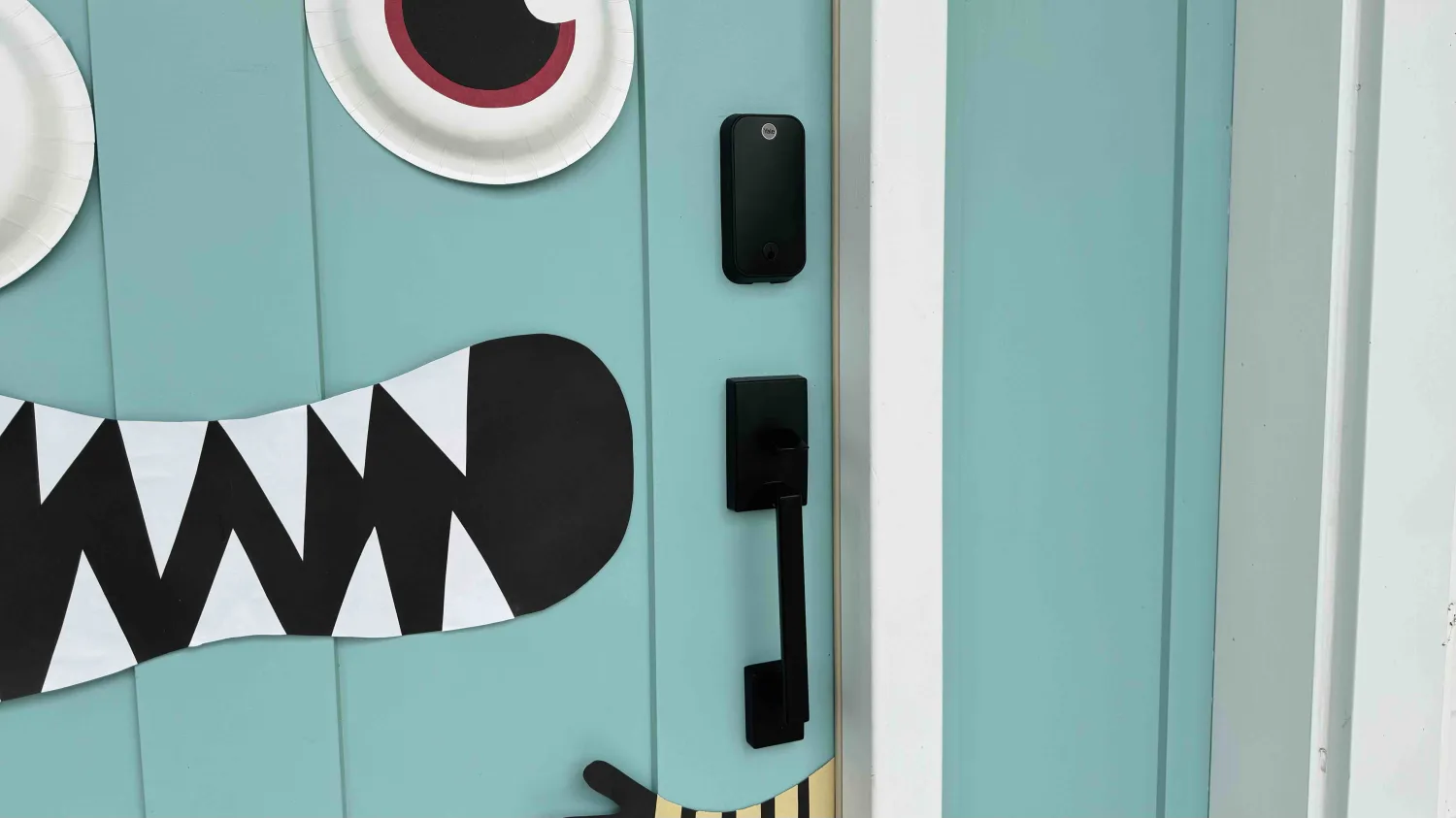
After launching the popular Assure Lock 2 in fall 2022, Yale has delivered two even more capable versions of the smart lock with the Touch and Plus models. Let’s start with the specs before getting into our hands-on experience below.
Yale Assure Lock 2 review
Assure Lock 2 Touch specs
- Fingerprint scanner integrated into Yale logo
- 99% accuracy and <0.5 second recognition time
- Auto-unlock/lock
- Touchscreen for numeric codes
- Keyed and key-free options
- Easy guess access control and visibility in Yale Access app
- HomeKit-enabled on both Bluetooth and Wi-Fi Assure Lock 2 Touch models (with compatible Apple Home hub – HomePod, Apple TV, etc.)
- Apple Home, Alexa, Google Home, Philips Hue, and Airbnb support as well as Yale Access app control with Wi-Fi Smart Module
- Sleek design
- Works with doors 1 3/8″ to 2 1/4″ thick with backset of 2 3/8″ or 2 3/4″
- Door sensor included
- Lifetime limited warranty
- Available in black suede, oil-rubbed bronze, and satin nickel
- Price:
- Bluetooth and Apple HomeKit-enabled $199.99
- Bluetooth and Apple HomeKit-enabled with Yale Wi-Fi Smart Module $279.99
Assure Lock 2 Plus specs
- Apple home key support
- HomeKit-enabled
- Touchscreen for numeric codes
- Auto-unlock/lock
- Keyless design, more compact than Assure Lock 2/Touch
- Easy guess access control and visibility in Yale app
- HomeKit-enabled on both Bluetooth and Wi-Fi Assure Lock 2 Plus models (with compatible Apple Home hub – HomePod, Apple TV, etc.)
- Apple Home, Alexa, Google Home, Philips Hue, and Airbnb support as well as Yale Access app control with Wi-Fi Smart Module
- Works with doors 1 3/8″ to 2 1/4″ thick with backset of 2 3/8″ or 2 3/4″
- Door sensor
- Lifetime limited warranty
- Available in black suede and satin nickel (oil-rubbed bronze coming soon)
- Price:
- Bluetooth and Apple HomeKit-enabled $209.99
- Bluetooth and Apple HomeKit-enabled with Yale Wi-Fi Smart Module $289.99
In-use
It was a tough call deciding which of these locks to put on my front door. But in the end, I chose the Assure Lock 2 Touch with the fingerprint reader as it’s really convenient for my young kids (both speed and eliminates the possibility of them telling all their friends about the passcode ????). And I put the Assure Lock 2 Plus with home key on my garage door.
I found installation and setup smooth overall for both locks with great directions in the box and in the Yale app. And HomeKit support is also built into the setup flow which is convenient.
On the Assure Lock 2 Touch, the fingerprint reader is the Yale button at the top. If someone who doesn’t have a registered fingerprint touches it, it lights up the touchscreen keypad with a red indicator light. For those with a registered fingerprint, you’ll see a green light alongside the touchscreen appearing.
For friends and family that come over often, you’ve got a lot of flexibility with the Assure Lock 2 Touch being able to store 20 fingerprints.
In my time with the lock, the fingerprint performed consistently and very fast – it feels almost instant.
I also love that HomeKit support is enabled on the base model so HomeKit-only homes don’t need the Wi-Fi Smart Module (but you could always add it on later if you wanted to expand the connectivity options to other smart platforms).
The other big benefit of the Assure Lock 2 Touch is the number of ways to control it: fingerprint, HomeKit/Siri, auto-unlock/lock, physical key, and the Yale app.
Both the exterior and interior components of the Assure Lock 2 Touch are compact and sleek – the black suede (matte black) looks really great.
The Plus (and all key-free Assure models) is even more compact. This is my first experience with Apple home keys and it’s been a really smooth and effortless experience, almost all of the time.
If you usually have your iPhone or Apple Watch on you (and others in your household do too) this is the way to go.
If you haven’t used home keys before, you can set up Express Mode which means your iPhone or Apple Watch will auto-unlock when you hold it next to the Assure Lock 2 Plus – you don’t have to double-click the side button to pull up the home key and use Face ID or Touch ID.
Express Mode even works when your iPhone or Apple Watch runs out of battery and is in Power Reserve Mode.





