
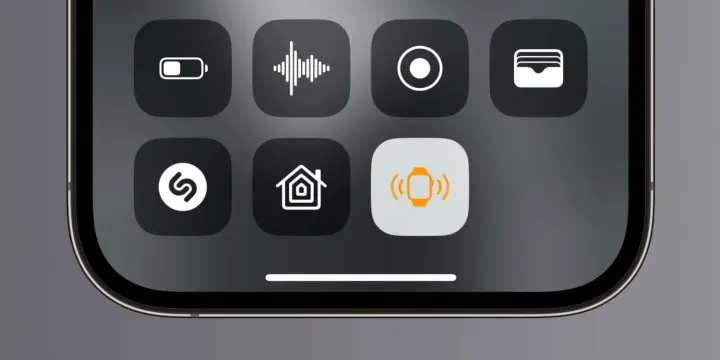
iOS 17 comes with "Ping my watch" feature
Pinging iPhone from Apple Watch is very simple. Swipe up (watchOS 10by tapping the side button on ) you tap the phone icon. If you long press the phone icon, the flash will flash and it will be easier to find in the dark. In iOS 17, it is possible to ping the Apple Watch from the iPhone. This feature, called Ping My Watch, is turned off by default.
- Open Settings.
- Tap Control Center.
- Tap the + button next to Ping My Watch.
- Tap the clock icon in Control Center.
Ping My Watch feature works as long as the phone and watch are in Bluetooth range and connected. The best way for longer distance; Using the Find app. This feature works when the Apple Watch is unlocked, locked, or charging.





