
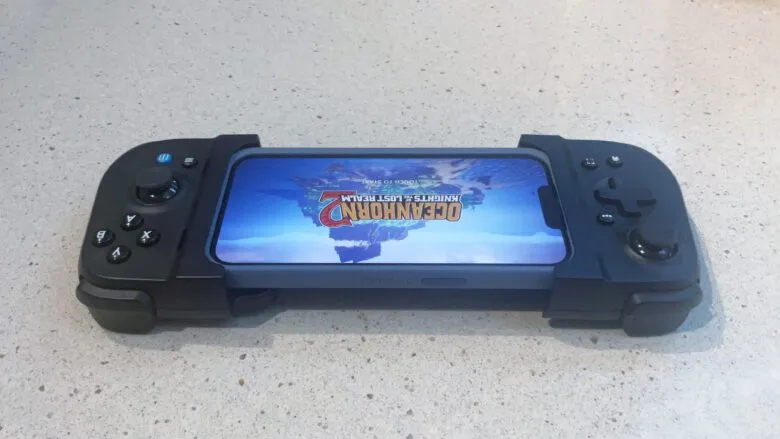
I spend hours a week using various game controllers so I’m very familiar with their feel. And to me the ABXY buttons are slightly closer to the right stick than I prefer, and the triggers are not as tall as I like. I got used to them in a few minutes, and you might prefer them if you have smaller hands than me. It seems Gamevice designed the Flex to be as portable as possible, and these are a result.
There are lots of games to play. Support for this type of accessory is built in iOS though not every iPhone game supports the external controllers. Still, there are many titles to choose from, especially serious action games. Plus, almost the entire catalog of the Apple Arcade subscription service is controller friendly. I fired up a few of my favorites when testing the Flex. It was fun.
Gamevice includes a free one-month Xbox Game Pass Ultimate trial with purchase. This lets you try out Xbox Cloud Gaming at no additional cost. If this online service is new to you, console games play on a remote server and the action is streamed to players as video. All your handset needs to do is display video from a remote session and send commands from the gaming controller to the server.
I’ve used Microsoft’s online game service quite a bit and the Flex handles it easily. If you need help getting started, I wrote a “how to” on setting up an iPhone to play Fortnite, one of the many games available via Xbox Cloud Gaming.





