
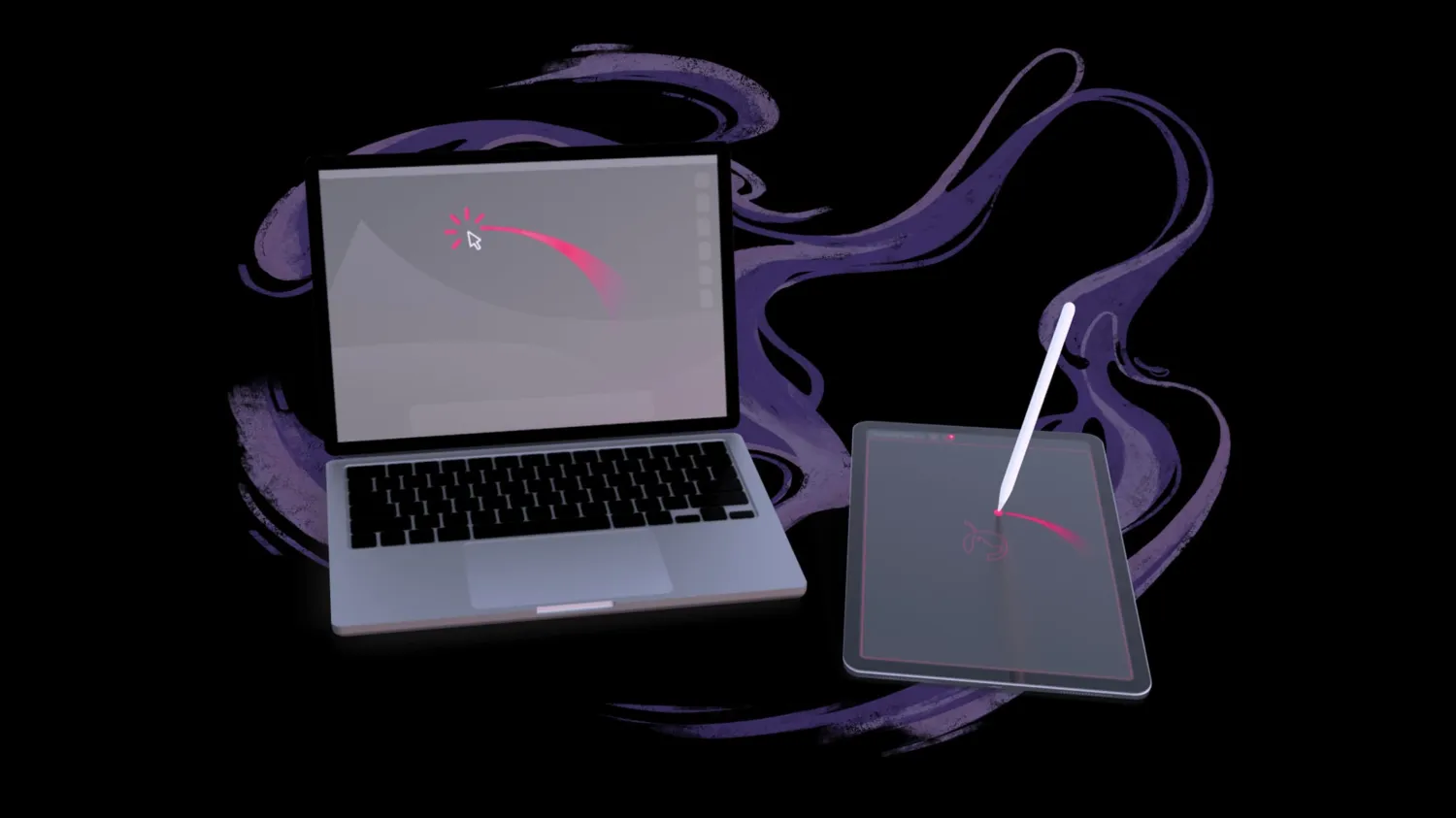
Astropad announced the Slate beta and made it available to everyone today turning iPad into a Wacom tablet and more.
The idea for Slate came last year when Apple announced new iPads with Apple Pencil hover. It got us thinking about the traditional no-screen pen tablets that so many artists start their creative journeys with. Could we bring that same experience to iPad?
Astropad Slate features
- Trackpad: Use your Apple Pencil as a cursor for Mac
- Write: Turn your handwriting on iPad into text on Mac
- Draw: Use your iPad as a no-screen pen tablet
- Hover: Works with Apple Pencil hover on newer iPad models, simulated hover on older iPads.
Keep in mind this is the start of the beta, so Astropad is looking for feedback on how to improve Slate along with squashing bugs.
Here’s how to try it out for free:
- Download the beta at www.astropad.com/slate
- Launch the apps – Open the companion apps on your Mac and iPad and follow the setup instructions.
- Connect Mac and iPad – Connect your devices over WiFi, USB cable, or Peer-to-Peer networking.





