
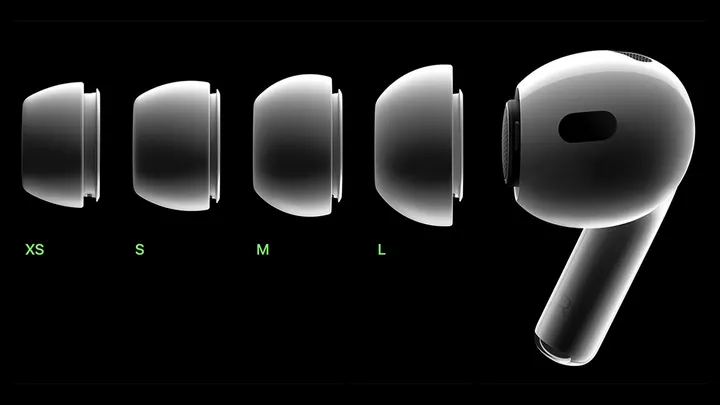
Apple AirPods Pro vs. traditional hearing aid
In a recent study at the Taipei Veterans General Hospital, 21 people suffering from mild to moderate hearing loss were tested using a basic hearing aid, a premium hearing aid, Apple AirPods 2nd Gen, and Apple AirPods Pro.
It was shown that using the Live Listen feature with Apple AirPods Pro proved to be as effective as basic hearing aids in a quiet environment and only slightly less effective than premium hearing aids. Live Listen with Apple AirPods Pro proved more effective than premium hearing aids when the noise came from the sides.
The most astonishing discovery from the study was that AirPods Pro met four out of five ANSI/CTA-2051 standards, the electro-acoustic criteria for all hearing aids.
With all this in mind, should people in need of hearing aids invest in a pair of Apple AirPods Pro? Here's a side-by-side comparison of some stats:
- Hearing aids are placed in the ear canal, sometimes invisible to the eye vs. AirPods Pro are earphones that are not only visible yet easily knocked out and vulnerable to the elements
- A good hearing aid has a battery life of about 30 hours vs. AirPods Pro usually last around 6 hours before needing to be charged
- Hearing aids usually come with a full warranty of 2 to 3 years vs. AirPods Pro come with a limited one-year warranty
Can AirPods Pro be used instead of hearing aids?
The fact that AirPods Pro performed so well in comparison to hearing aids likely proves an enticing prospect to the hearing-impaired community. However, you should always listen to what your doctor has to say first and foremost.
No doctors currently prescribe the Apple Airpods Pro as an alternative to hearing aids, nor does Apple advertise AirPods as a solution for hearing loss in any way.
Still, if you have a pair of Apple Airpods Pro and are just having trouble hearing in a loud, crowded space, know that there is at least a temporary alternative to being able to hear just a little bit better using the Live Listen feature.
How does Live Listen work?
Live Listen serves as a microphone of sorts, allowing you to hear the person or people you are talking to at an increased volume. It should be noted that Live Listen isn't available on all models of the iPhone and is currently only available for products that use iOS 14.3 or later. Live Listen also doesn't come automatically enabled on all devices.
To activate Live Listen on your iPhone
- Go to Settings
- Tap Control Center
- Scroll down to More Controls
- Tap the plus sign icon next to the Hearing tab
To use live listen
- Make sure your AirPods are connected
- Swipe down from the top right to open the control center
- Tap the hearing button
- Turn on Live Listen
Place your iPhone in front of the person you are talking to, and their voice will be amplified to you through your AirPods. You will also be able to adjust your volume accordingly in the controls.





