
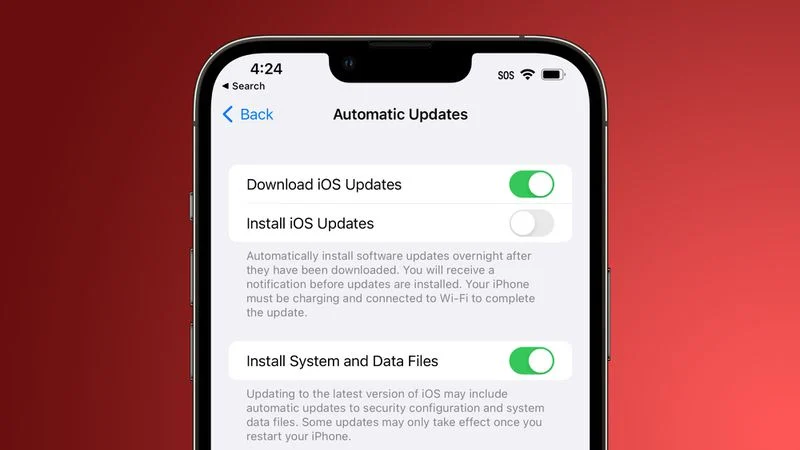
In an updated support document shared today, Apple says that you can remove a Rapid Security Response from your device by going to Settings > General > About, tapping the iOS version, and then tapping Remove Security Update.
Apple says you can then reinstall the Rapid Security Response at a later date, or wait for it to be installed permanently as part of a standard software update. It is not clear why a Rapid Security Response would need to be removed, but it's nice that users will have the option.





