
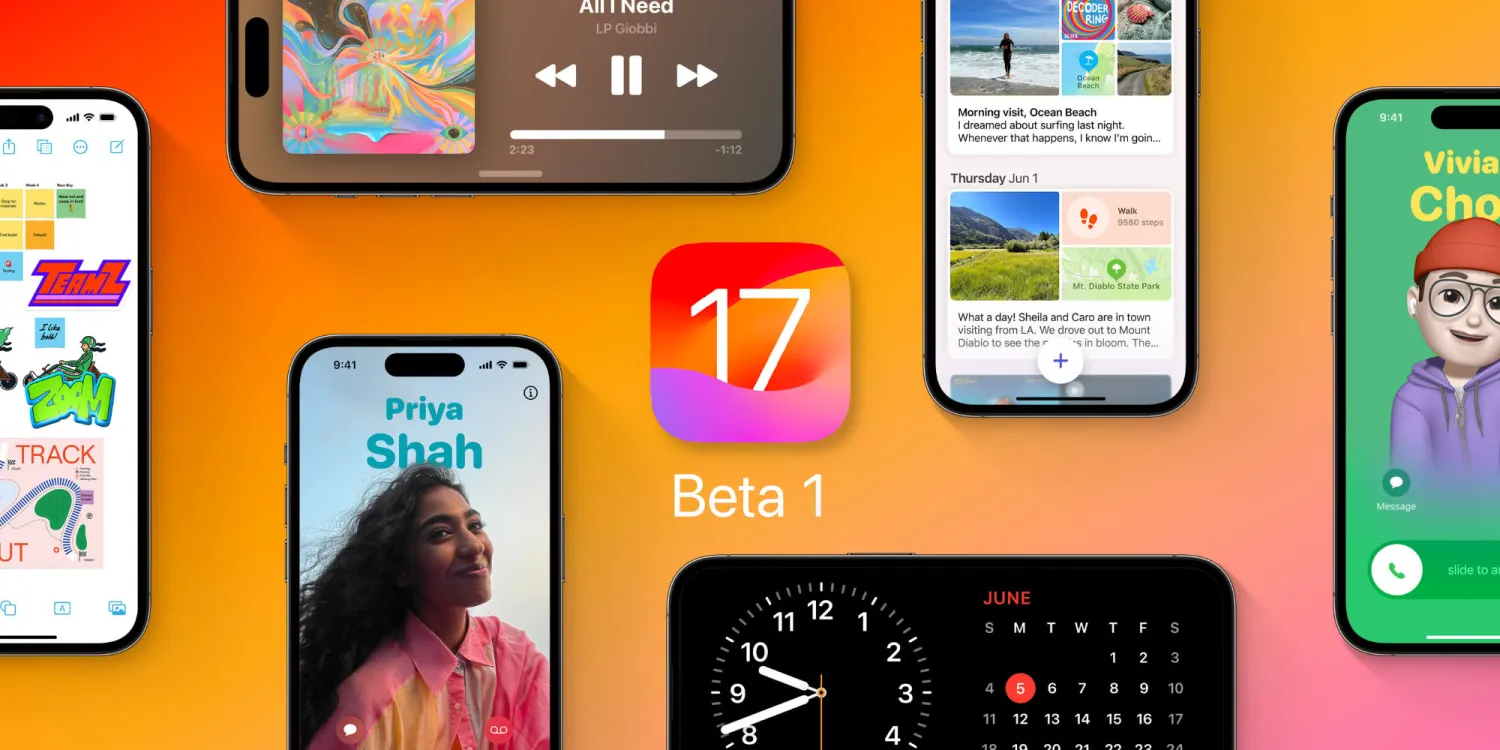
Earlier today I noted that many users were seeing the option to install the iOS 17 developer beta despite not having a developer account. It seemed like it was a bug with the iOS 17 beta rollout, but as it turns out, it’s intentional.
Spotted by iSoftware Updates, Apple has officially announced the change on its Developer website that compares the new free and paid membership options.
You can learn how to develop apps for Apple platforms for free without enrolling. With just an Apple ID, you can access Xcode, software downloads, documentation, sample code, forums, and Feedback Assistant, as well as test your apps on devices. If you don’t already have an Apple ID, you can create one now. To distribute apps, join the Apple Developer Program.
That makes sense why the iOS 17 Developer Beta is showing up for all users under Settings > General > Software Update. Check out our full guide for all the details:
- Here’s how to install the iOS 17 developer beta
Keep in mind the developer beta naturally has bugs and performance issues and isn’t intended to be installed on your primary device.
Here’s a look at the differences between the $99/year Apple Developer Program and just using your Apple ID





