
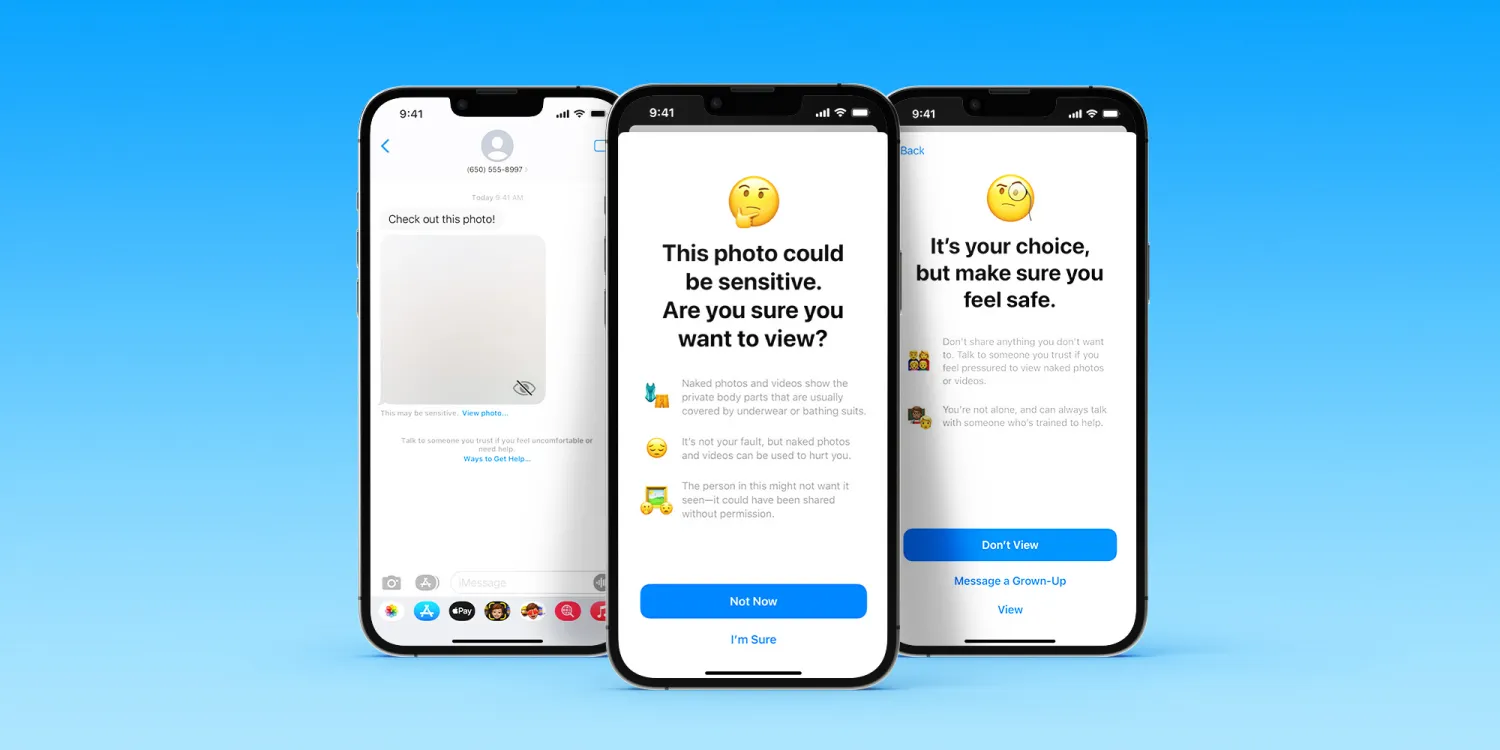
As a refresher, Communication Safety allows the Messages app to detect if a child receives or is trying to send a photo with nudity. When a child receives a potentially inappropriate photo, the app automatically blurs the image. Although children can choose to view the photo, doing so will show guidance and age-appropriate resources to help them make a safe choice.
Communication Safety comes disabled by default, and when enabled, it scans photos on the device – so all content sent via iMessage remains end-to-end encrypted.
Reported by iCulture, Apple will be rolling Communication Safety out to six more countries “in the coming weeks.” The Dutch website attended an Apple briefing that shared the new countries will be:
- The Netherlands
- Belgium
- Brazil
- Japan
- 2 more countries outside Europe
Currently, the feature is available in these countries:
- US
- UK
- Canada
- France
- Germany
- Australia
- New Zealand
If you want to enable Communication Safety for your child, check out our full guide for all the details, and here’s the overview:
- On an adult’s iPhone or iPad, open the Settings app
- Choose Screen Time (you’ll need to set this up if it’s not already)
- Swipe down and choose the child you’d like to set up iPhone Messages safety for
- Choose Communication Safety
- Tap the toggle at the top next to Check for Sensitive Photos





