
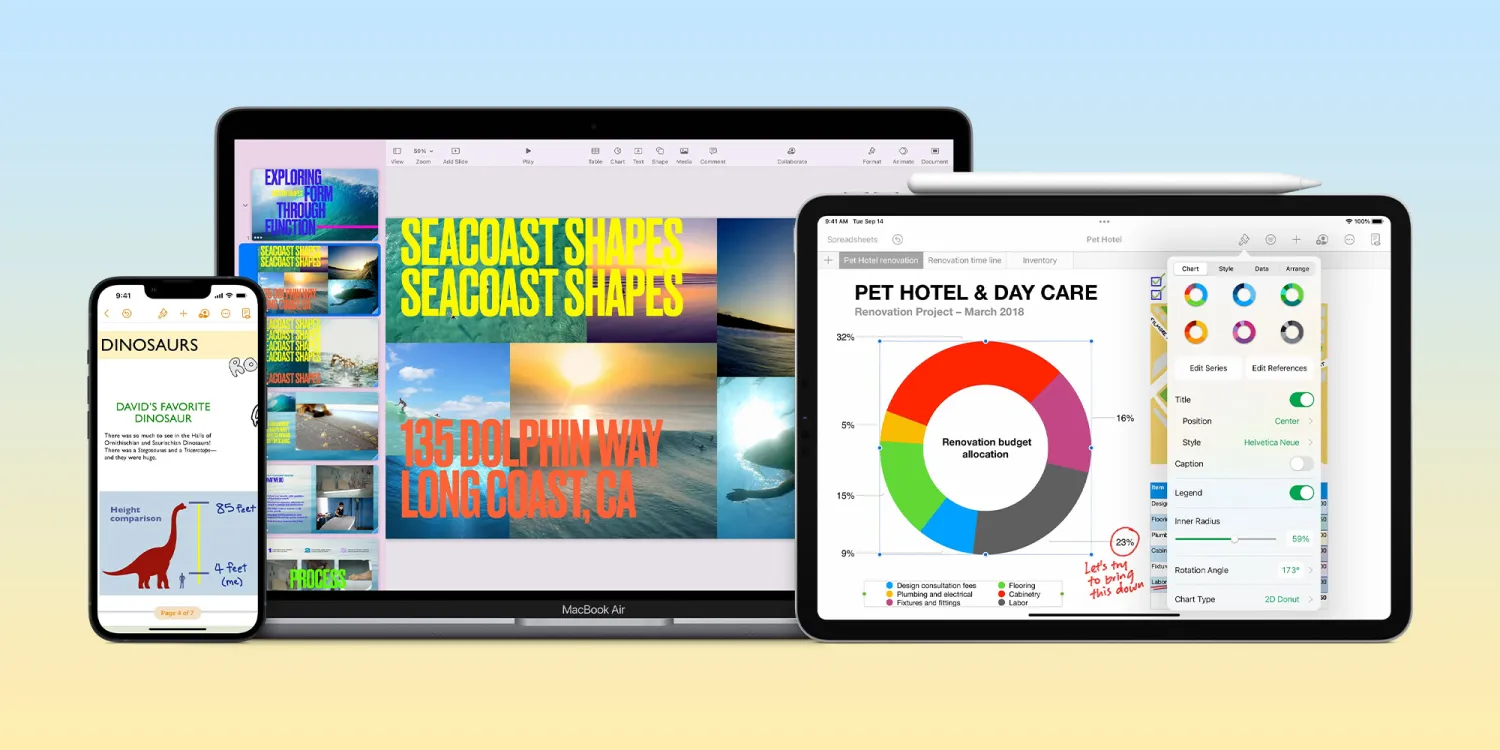
“Start writing in Notes, then open your note in Pages to continue editing with powerful design and layout features,” reads the first feature mention in Pages 13.1 release notes.
Pages 13.1 also includes these updates:
- Create business reports, school papers, and greeting cards with updated templates
- Insert date and time fields into your document
- Add scalable vector graphics (SVGs) to your documents and preserve visual quality at any size
- Break apart imported SVG images and save them to your shapes library for future use
- Retain SVG images when exporting books into EPUB format, including book cover art
- Show subtotal summary labels in stacked bar, column, and area charts
- Insert and play ProRes videos in your document, now on iPhone and iPad
- Export the pages of your document as image files
Meanwhile, Keynote 13.1 brings ProRes video support and SVG enhancements:
- Insert and play ProRes videos in your presentation, now on iPhone and iPad
- Add scalable vector graphics (SVGs) to your presentations and preserve visual quality at any size
- Break apart imported SVG images and save them to your shapes library for future use
- Show subtotal summary labels in stacked bar, column, and area charts
Lastly, Numbers 13.1 has its own SVG updates:
- Show subtotal summary labels in stacked bar, column, and area charts
- Add scalable vector graphics (SVGs) to your spreadsheets and preserve visual quality at any size
- Break apart imported SVG images and save them to your shapes library for future use
- Insert and play ProRes videos in your spreadsheet, now on iPhone and iPad
- Insert date and time fields into your spreadsheet
The new version of Apple’s iWork suite of apps is rolling out now on the App Store.





